Learn & Process Documentation

Empowerment channeled through learning.

TIMELINE

8 Weeks

TEAM

Meliza Perez (Manager of Operations)

ROLE

Documentation Architect

TOOLS / SKILLS

Loom, Tango, Notion
Process Documentation
Content Creation

45%

Increased Adoption

100+

Tailored Guides Made

52%

Improvement in Onboarding

BRIEF OVERVIEW

I created video and written guides to address the gaps in providing customer success and improving internal onboarding.

I created video and written guides to address the gaps in providing customer success and improving internal onboarding.

As clients move from onboarding to business-as-usual (BAU), I identified a gap in customer success as

01

01

Integrations

Integrations

Worked with 3 platforms to decide which one would primarily host our Support content with a focus on accessibility & quality.

Worked with 3 platforms to decide which one would primarily host our Support content with a focus on accessibility & quality.

02

02

Guides

Guides

Created guides that ranged from simple written documentation and in depth video tutorials that highlight key concepts to be learned.

Created guides that ranged from simple written documentation and in depth video tutorials that highlight key concepts to be learned.

03

03

Design

Design

Led the design process for our Support page both in visual design and content layout to capture attention and deliver.

Led the design process for our Support page both in visual design and content layout to capture attention and deliver.

APPROACH

The plan laid out

The plan laid out

The main question was:

💭

What is the best way to display our Support page so it is easy to scan yet provides enough context to guide our users?

What is the best way to display our Support page so it is easy to scan yet provides enough context to guide our users?

1

Learn

Reviewed many established support pages to best gauge how to tackle this project.

2

Layout

Creating content without an idea of it's placement would result in confusion. Thus, setting a layout for content was required.

3

Create

Utilized Tango for written guides and Loom for video guides. Goal was to store them on Notion then Absorb.

4

Release

To ensure quality, released the guides internally to staff then to all clients. Noting feedback & future changes.

EARLY CONCEPTS

Testing through ideas

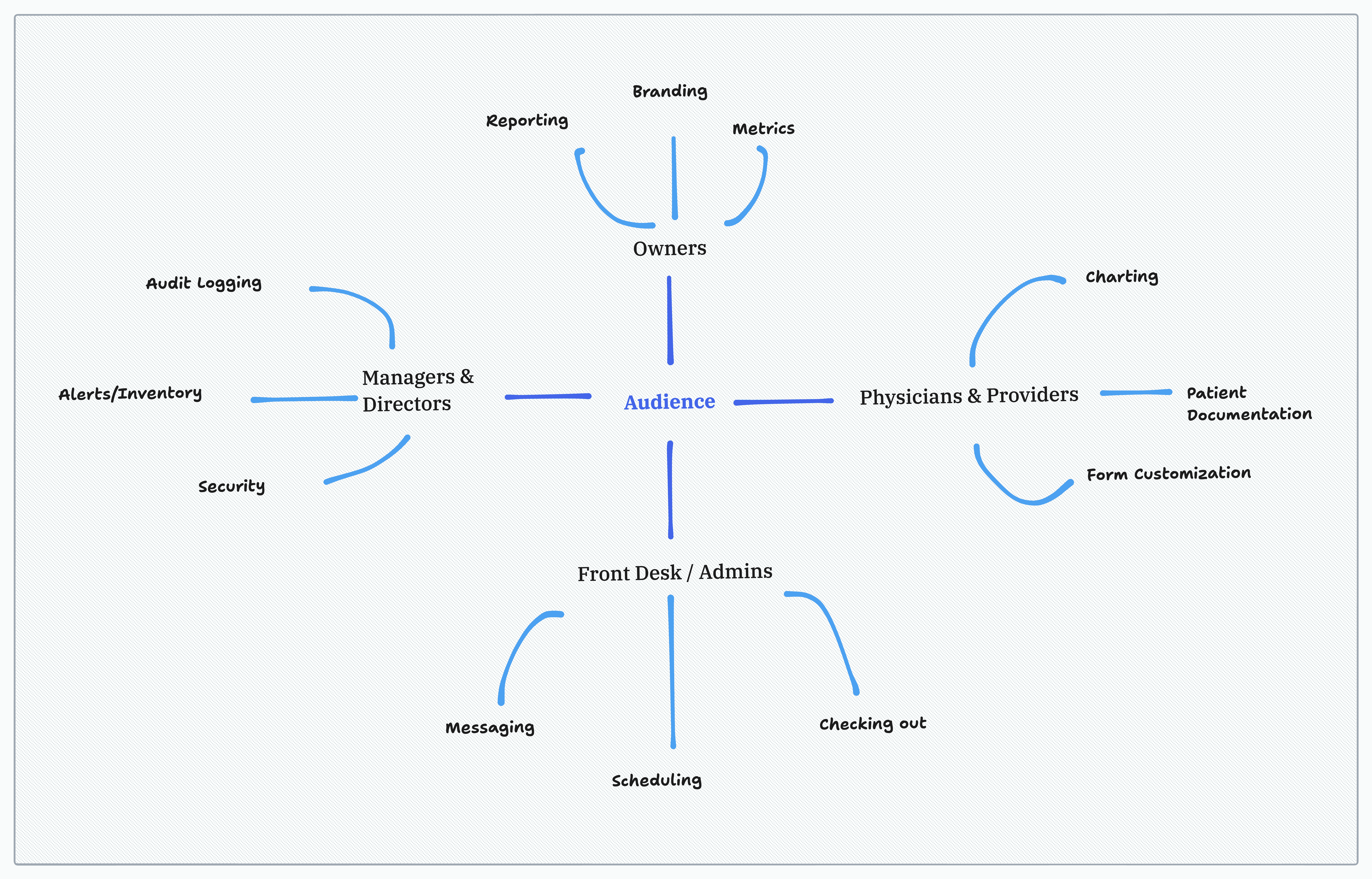
Utilized tools such as Figma and tldraw to visualize how our LMS (learning management system) would look like. Figma was mainly for layout while tldraw for mindmaps to set who our core audience is.
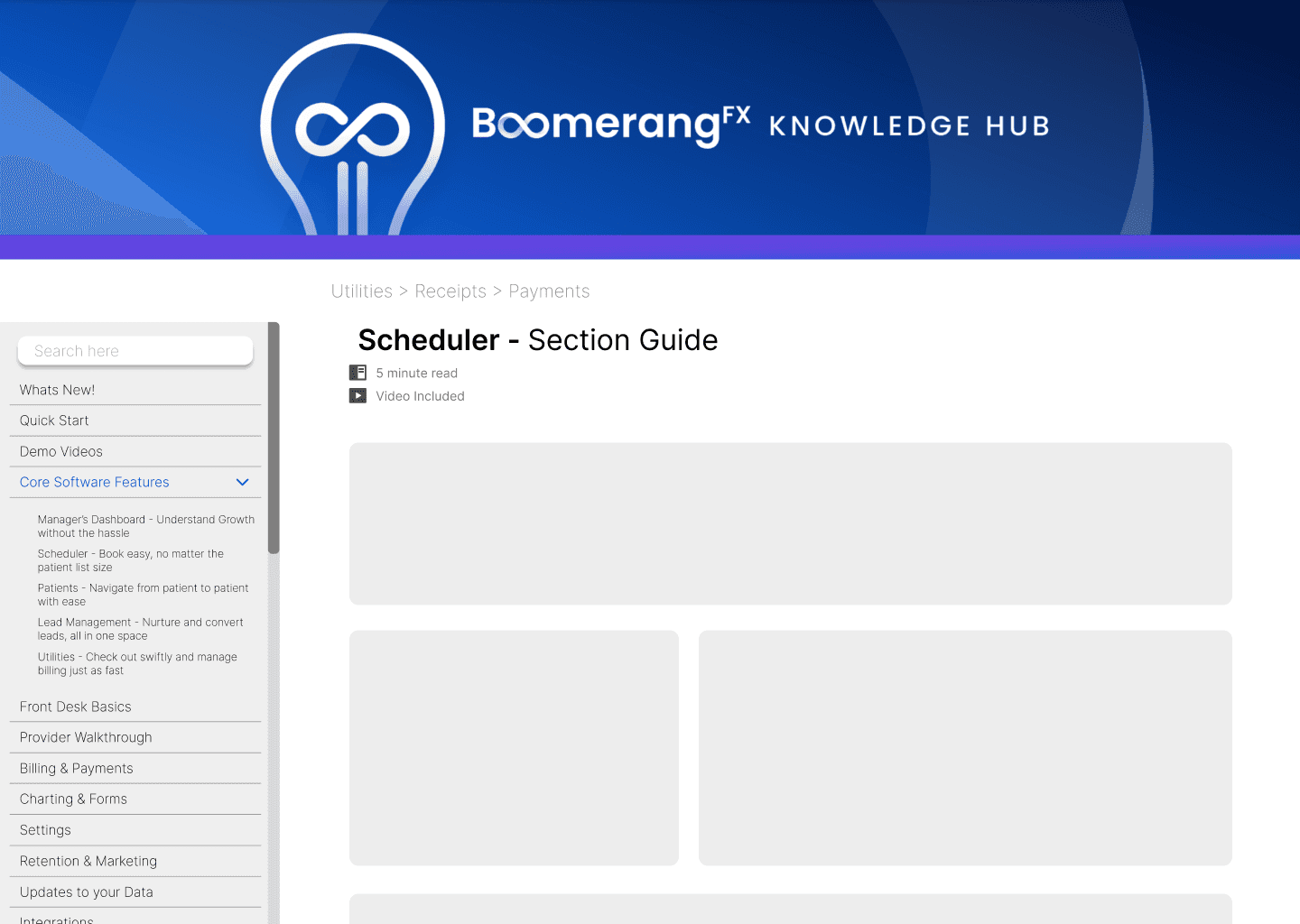
Lorem ipsum dolor sit amet, consectetur adipiscing elit. Suspendisse quis condimentum dolor, vitae molestie tellus.

CREATING CONTENT

I took the lead and started creating my guides.

I took the lead and started creating my guides.

As there was not much direction given from leadership in terms of what to create and how. I capitalized on the skills I acquired from my many years of tutoring students and focused on creating video guides that started from general/broad topics. Setting this foundation aided in making more specific type of guides.


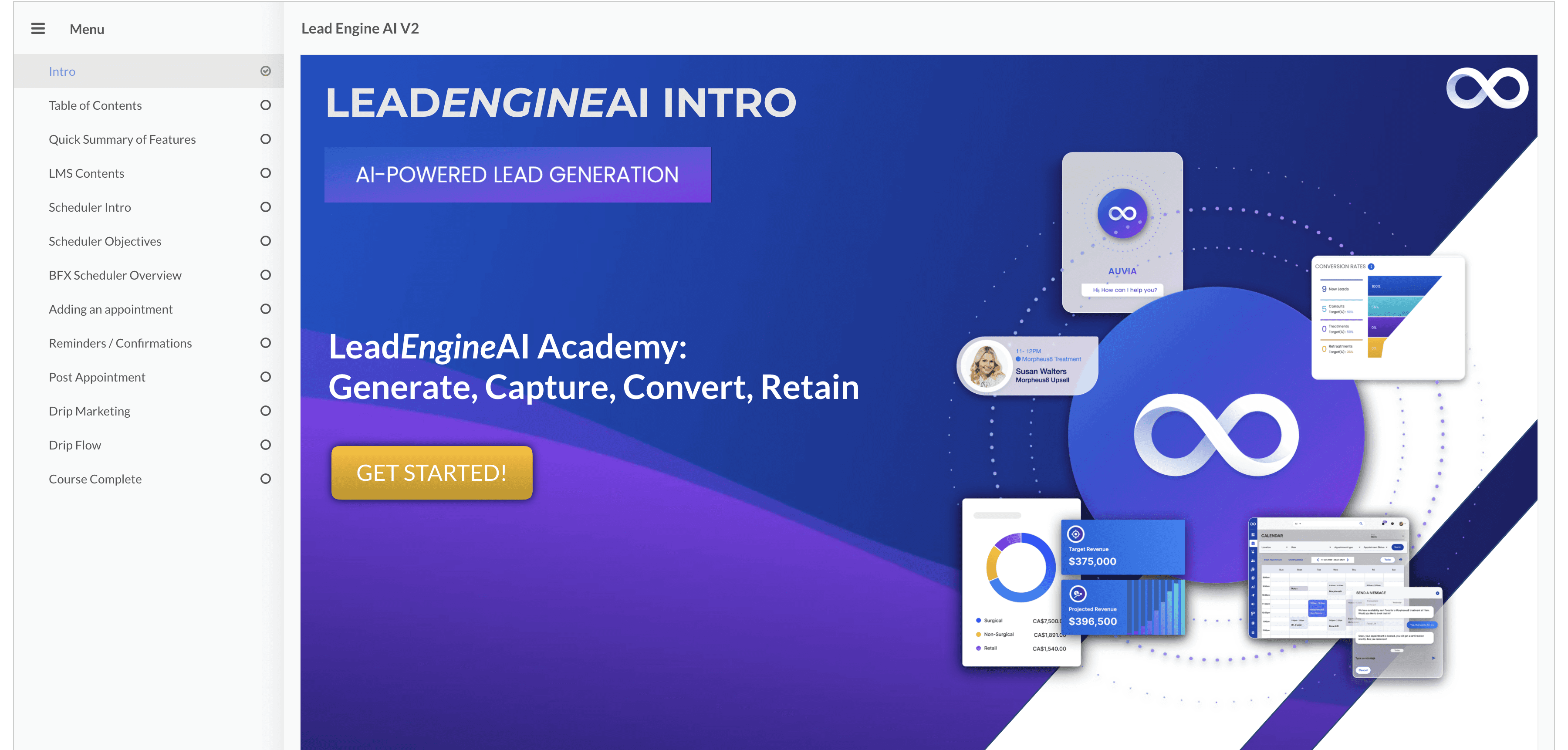
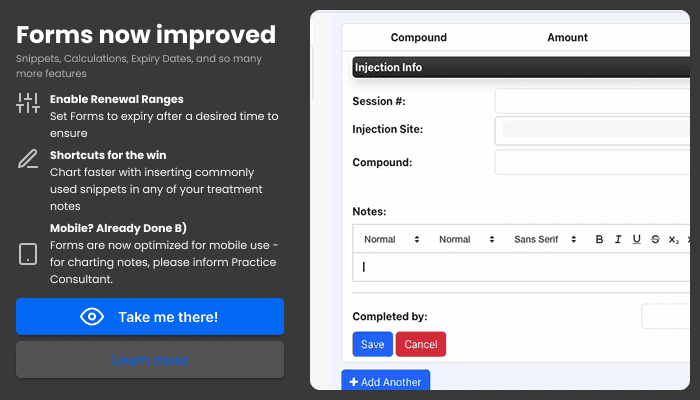
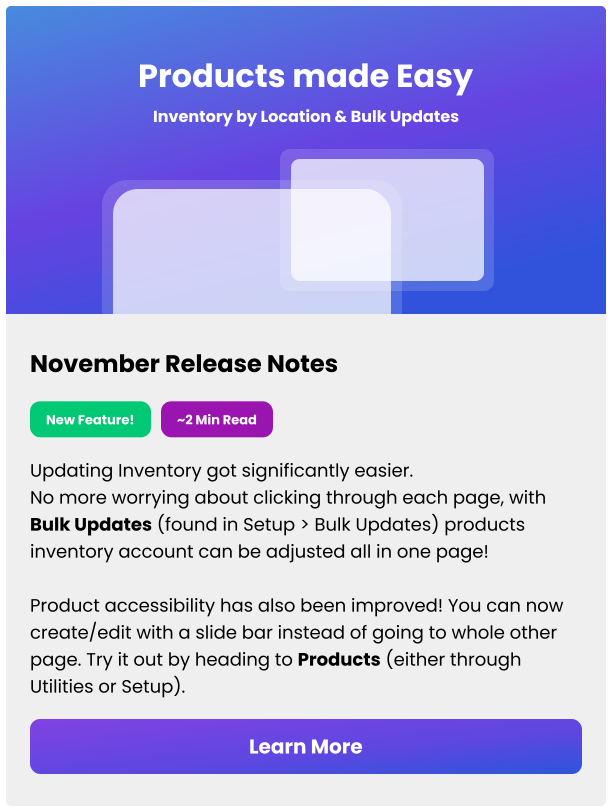
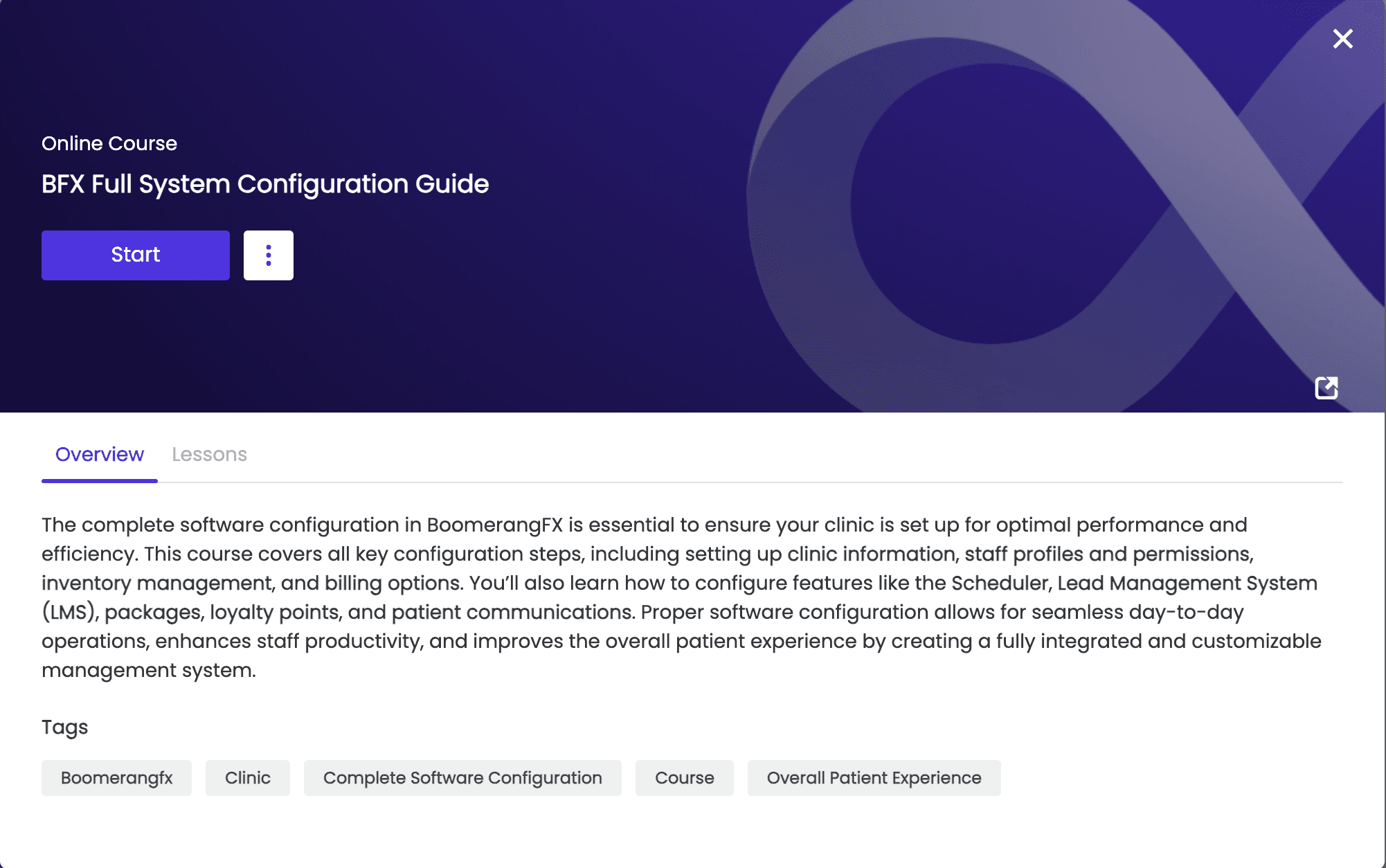
The images below reference the different platforms used and a quick view of the content!
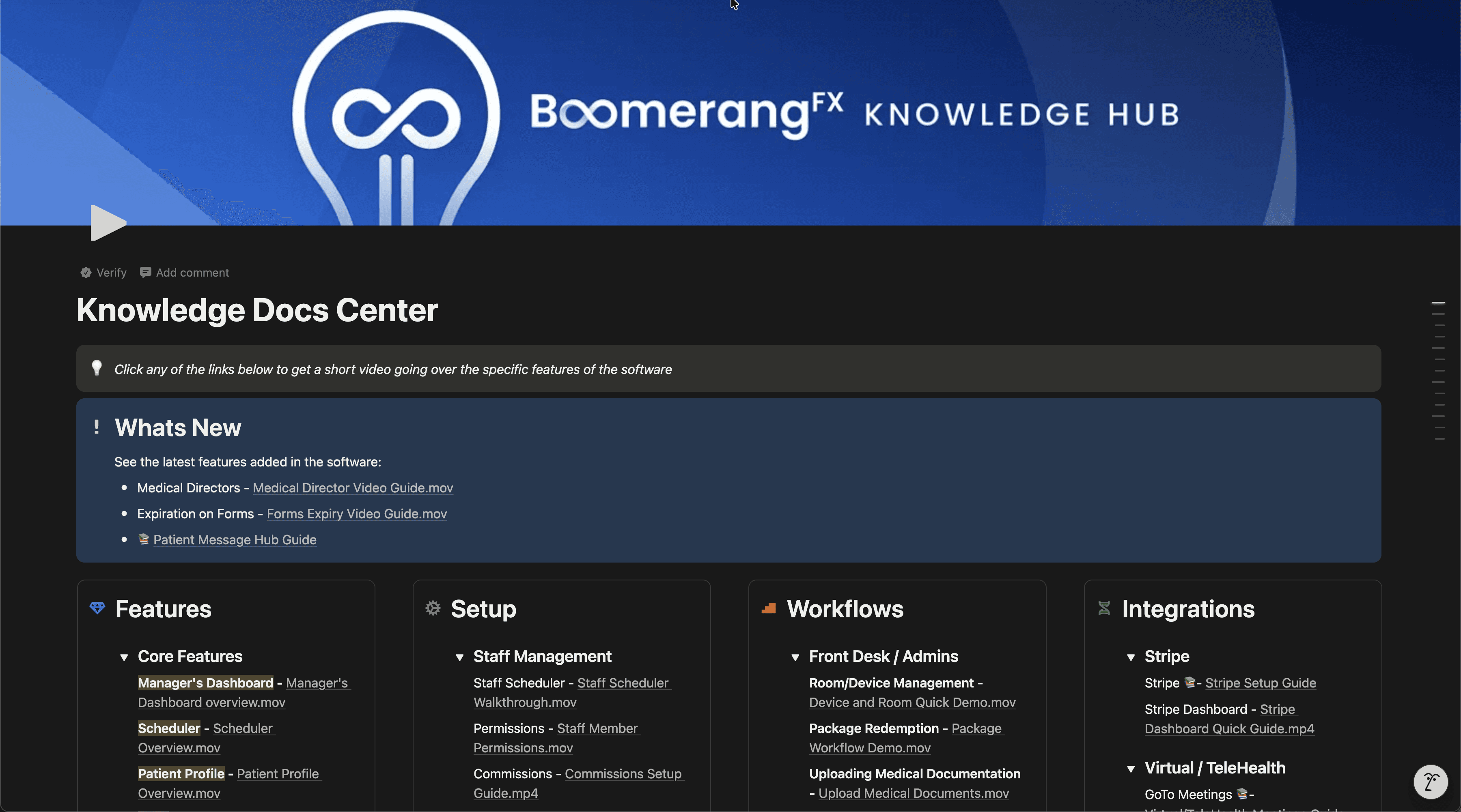
Platform - Notion
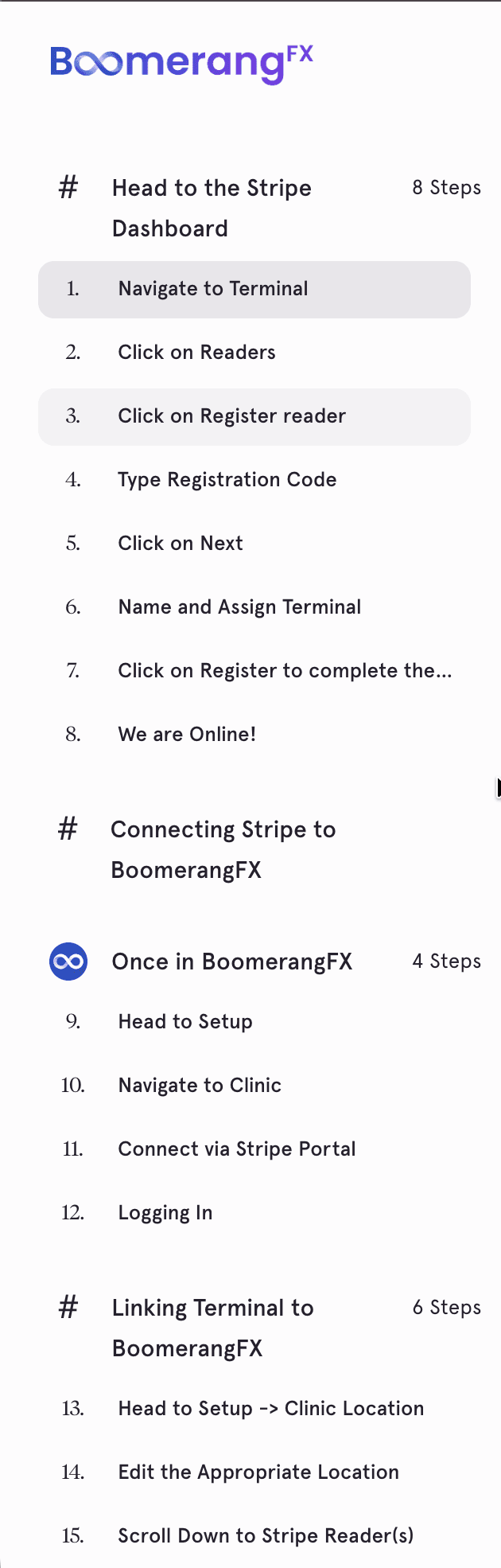
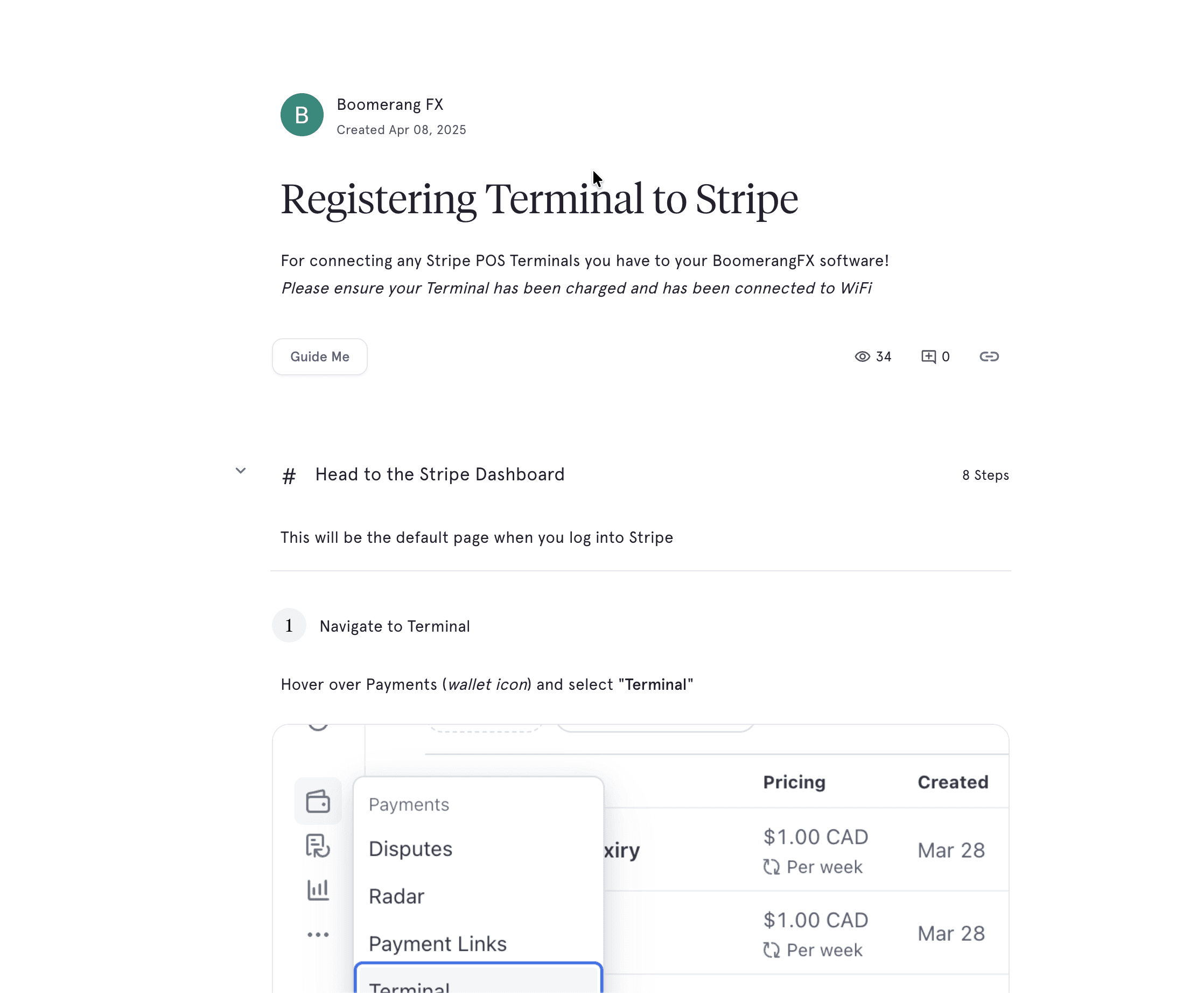
Platform: Tango - Great for dynamic images within each step.

Platform: Tango - Great for dynamic images within each step (1 - Side Content Bar // 2 - Specific Steps).

Platform: Absorb - Integrated Learning Management System that our data team loved for the analytics.
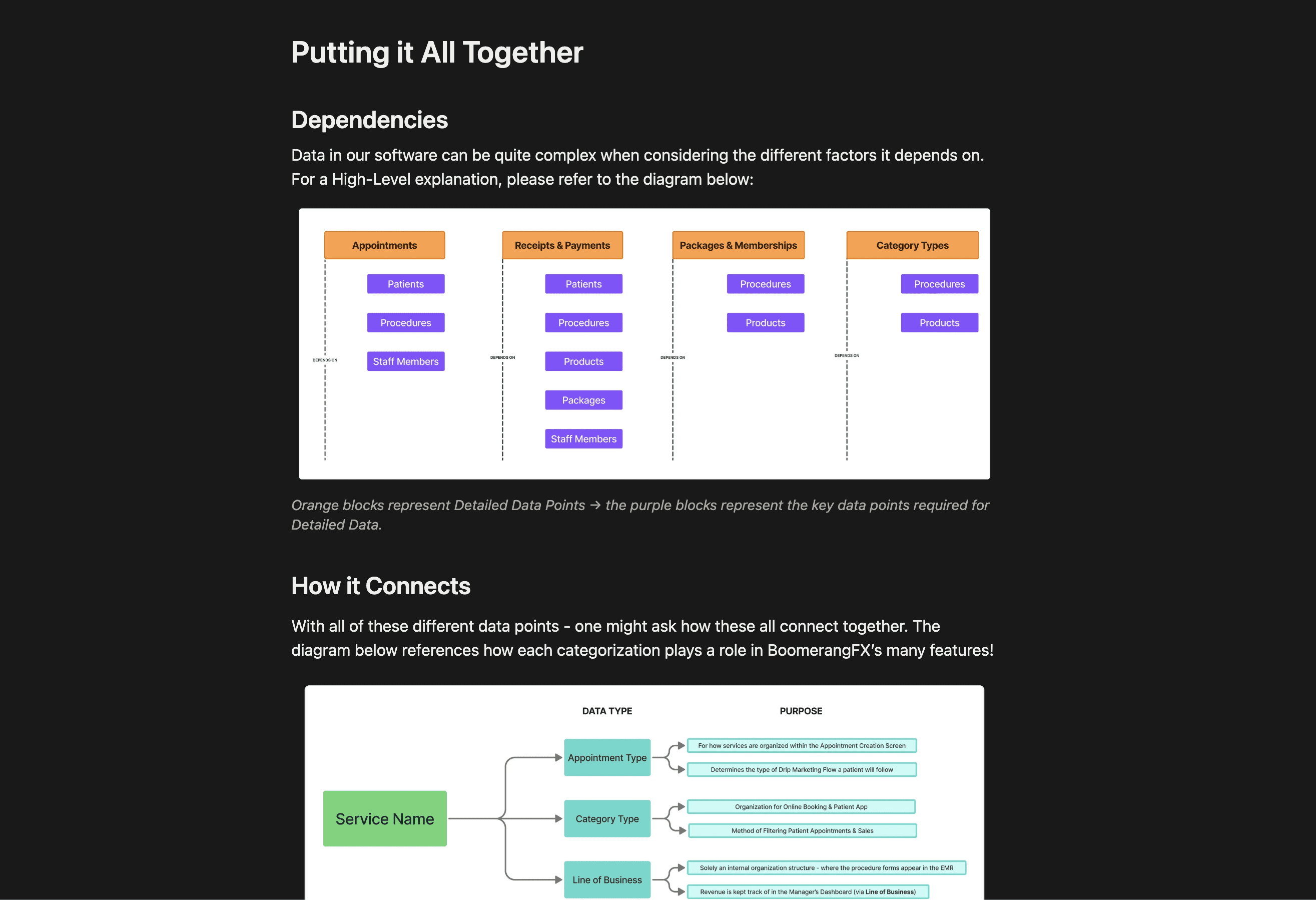
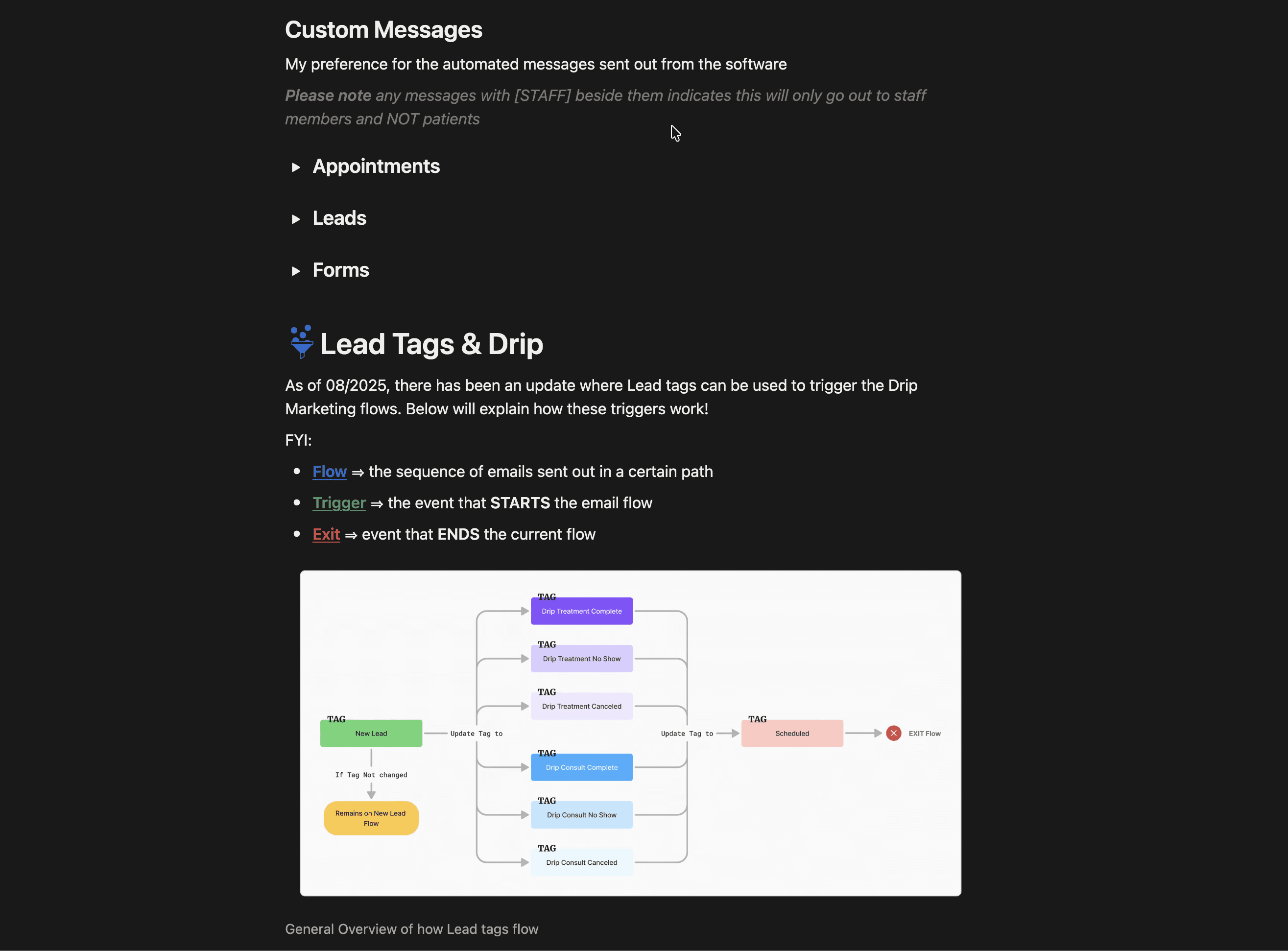
Below is a snippet of the written guide made explaining our Data structures to new hires! To take a look, here is a direct link to the notion page!

Below is a snippet of the written guide made explaining our Data structures to new hires! To take a look, here is a direct link to the notion page!

DESIGNING OUR SPACE

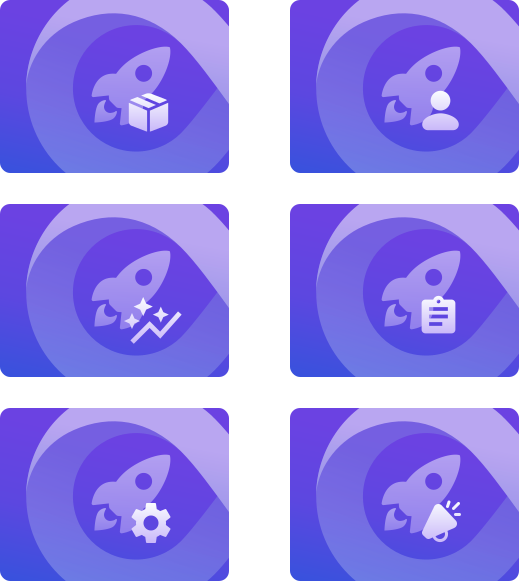
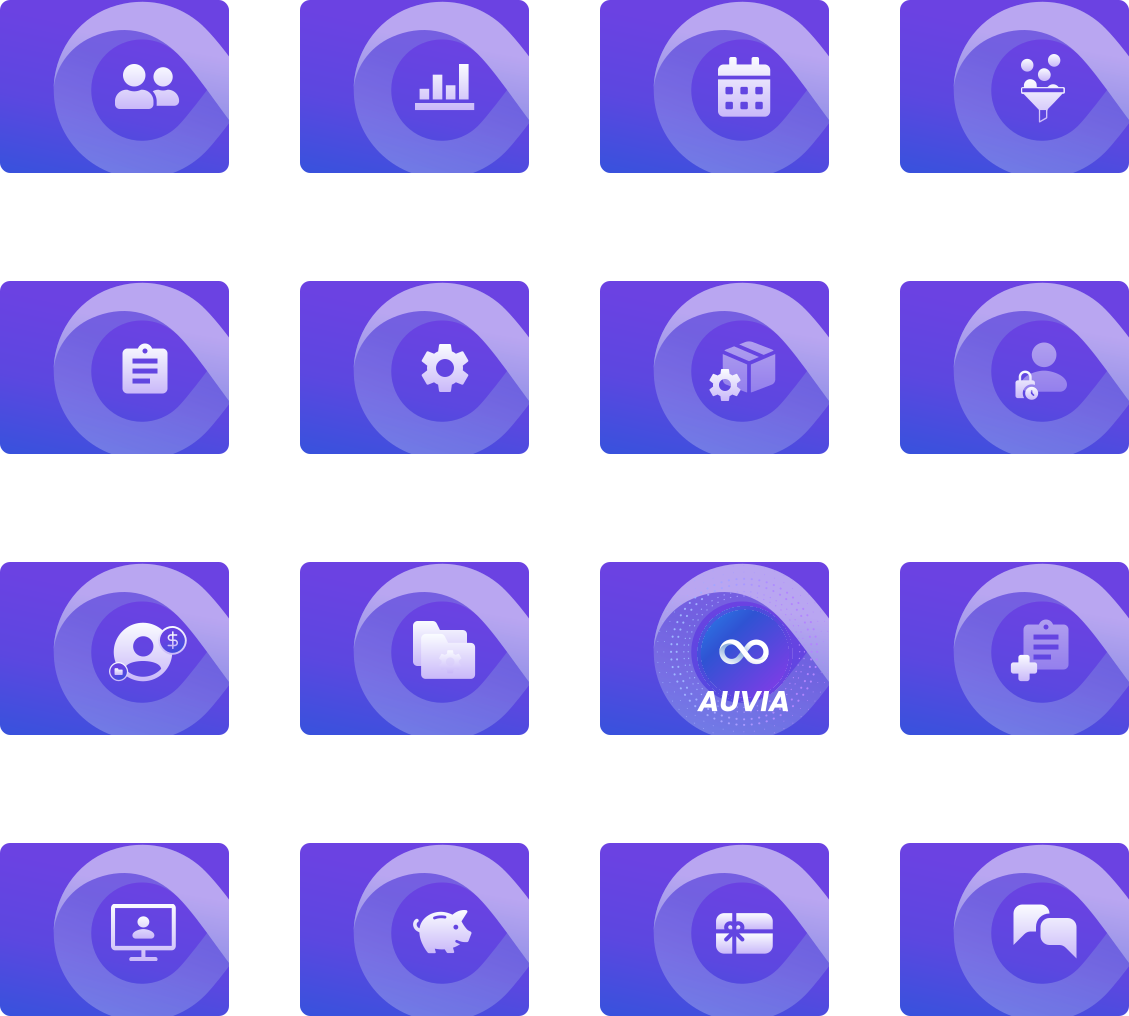
Creating the icons and banners for the new learning space.

Creating the icons and banners for the new learning space.

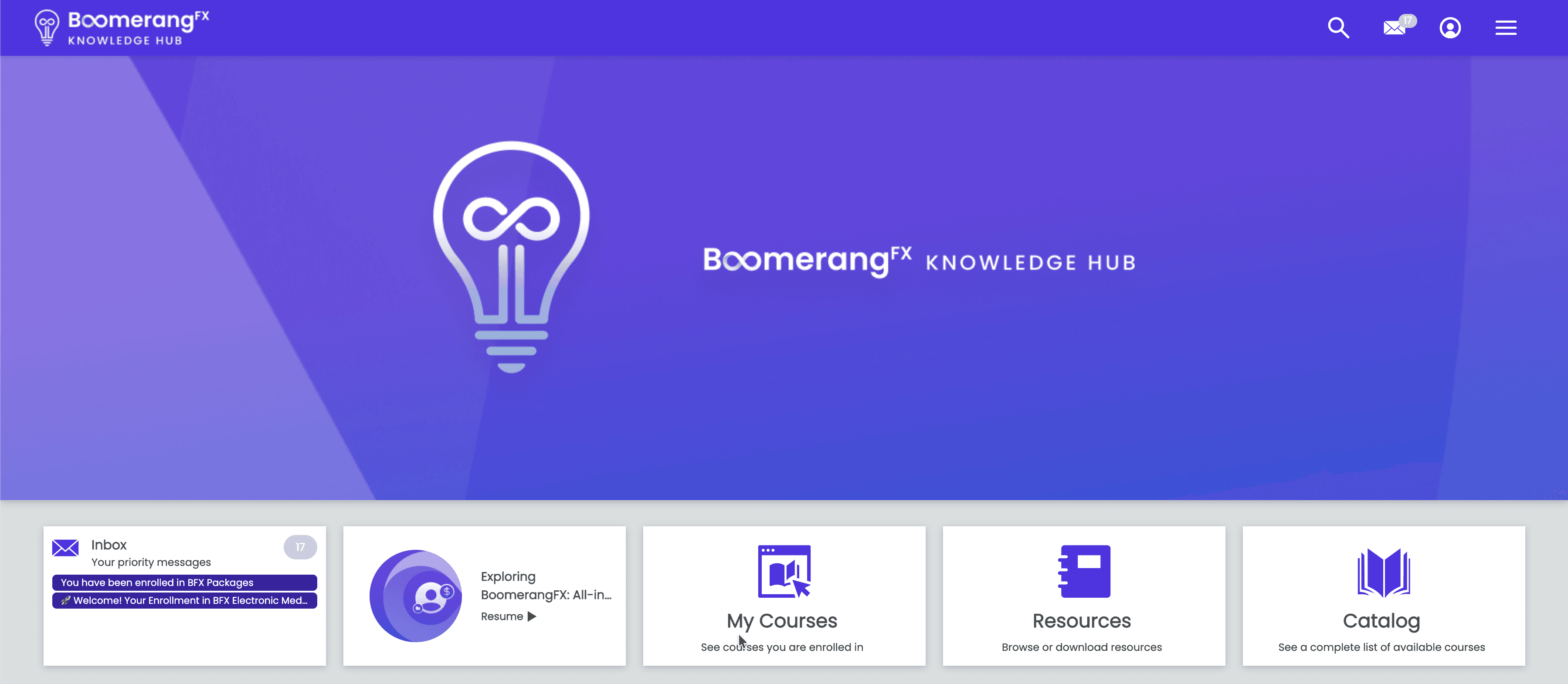
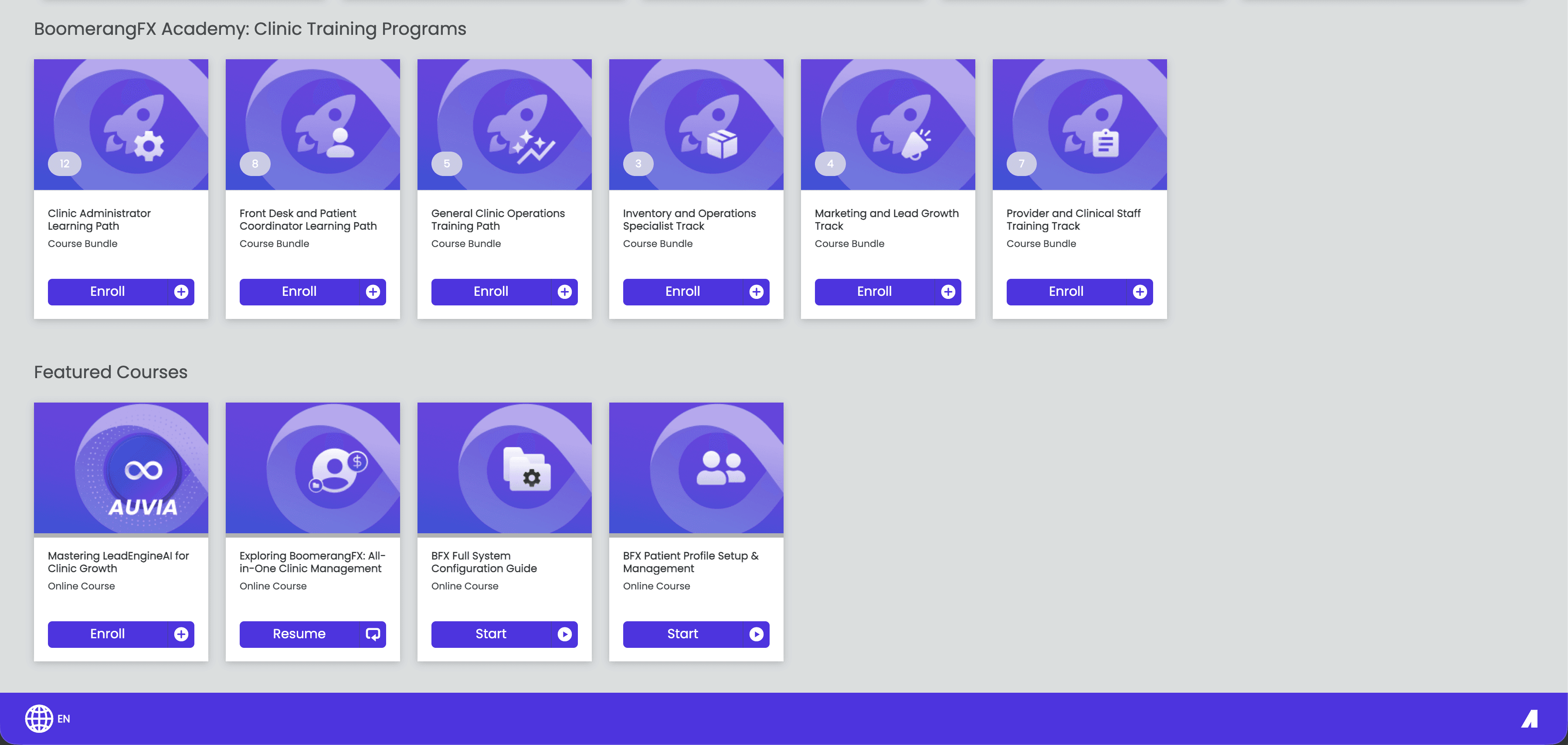
FINAL DESIGN

The final look of the Support page was finalized.

The final look of the Support page was finalized.

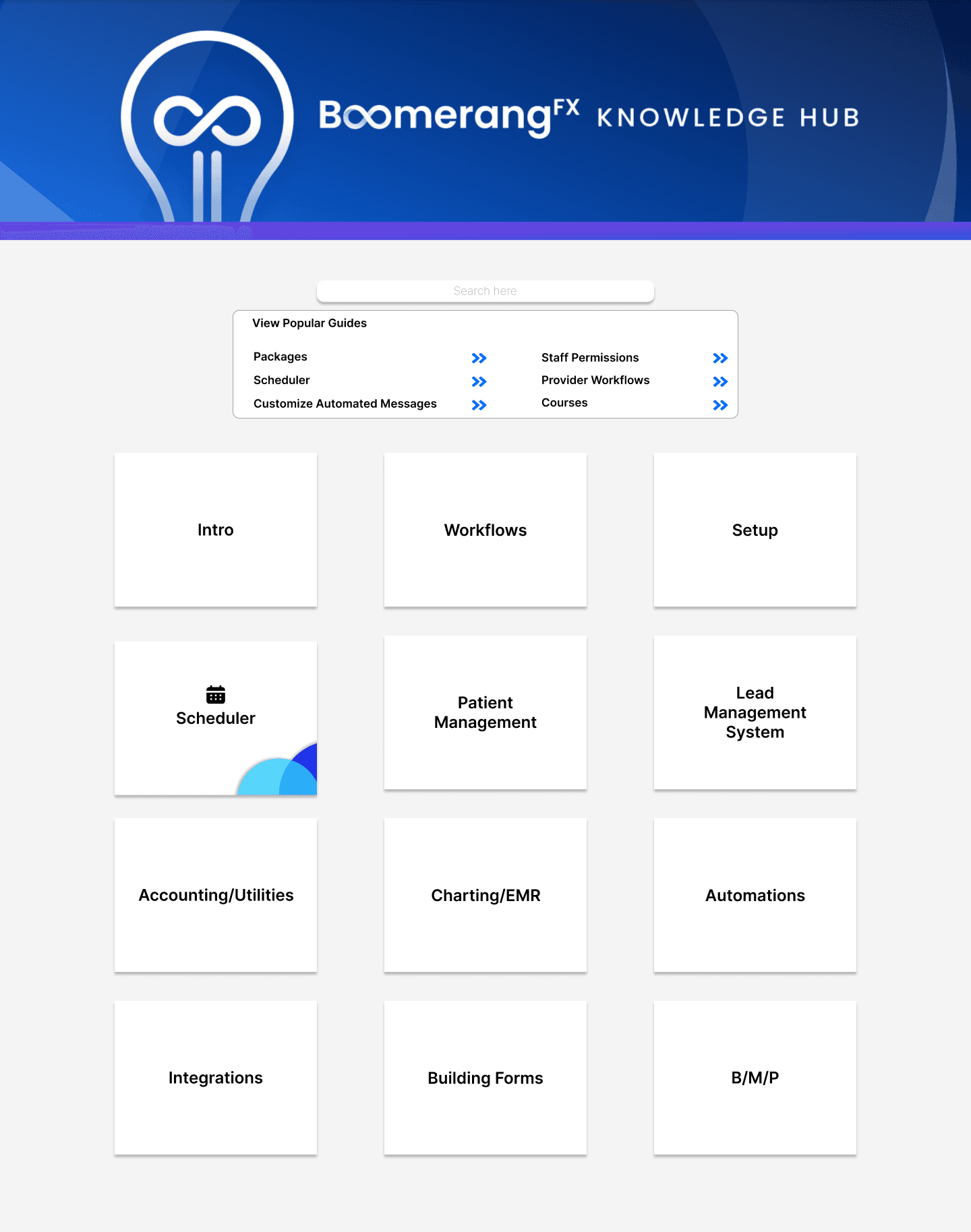
Bringing together the designs created from the previous iterations and the current layout available in Absorb, Choosing to set certain themes to each category to easily differentiate between courses.
REFLECTING BACK & NEXT STEPS

Empowering users is key to growing your product

Empowering users is key to growing your product

🤺

Navigating conflicting direction decisions

While working on this project, I had originally spent quite some time working on the layout and content for the Support page on Notion. However, the Director wanted us to pivot onto another LMS platform, Absorb LMS.


This platform did not have as much flexibility as notion when uploading content and styles. I attempted to showcase why Notion is significantly better for scalability but to no avail.


Although this did upset me, learning to take advantage of what cards I was given and utilizing them to fullest helped greatly in adapting to the current situation. I put my full effort into ensuring this Support page looked and felt phenomenal to use.

🗣️

Feedback Integration & Request Module

As the product continues to grow, there will inevitably be changes or new content required to help users navigate the features.


If i had more time, I would have designed a page that would allow users to add feedback on content to ensure we're focusing on the right improvements. Additionally, a Request section would improve product direction for both the Support page and the product itself!
Learn Management System Integration

Empowerment channeled through learning.

ROLE / CONTEXT

Product Designer / Customer Success / Creating the platform's first official Support system

TIMELINE

8 weeks

TEAMS INVOLVED

1 Product Designer
1 Operations Manager (Meliza Perez)

TOOLS / SKILLS

Loom, Tango, Notion
Absorb LMS
CS Ops
Process Documentation
Video Guide Creation

45%

Increased Adoption

100+

Tailored Guides Created

52%

Successful Onboardings

RESULTS

Thank you for visiting!

made with joy, care, and a lot of game soundtracks

v1.0