LONG STORY SHORT
Feature inconsistencies from both UI/UX/Functionality held us down from our goal of product adoption. Attempting to design features and products from scratch with no foundation led me to creating the company's first design system.
I reviewed companies with great UI (Apple, Notion, Figma, Pegasus, etc) and looked into the design systems they used. As this was a solo project I was creating to later present to the team - I set the vision, action and what my result would be. Soon after, I got approval from my Senior Product manager and the Design system was established!
‼️
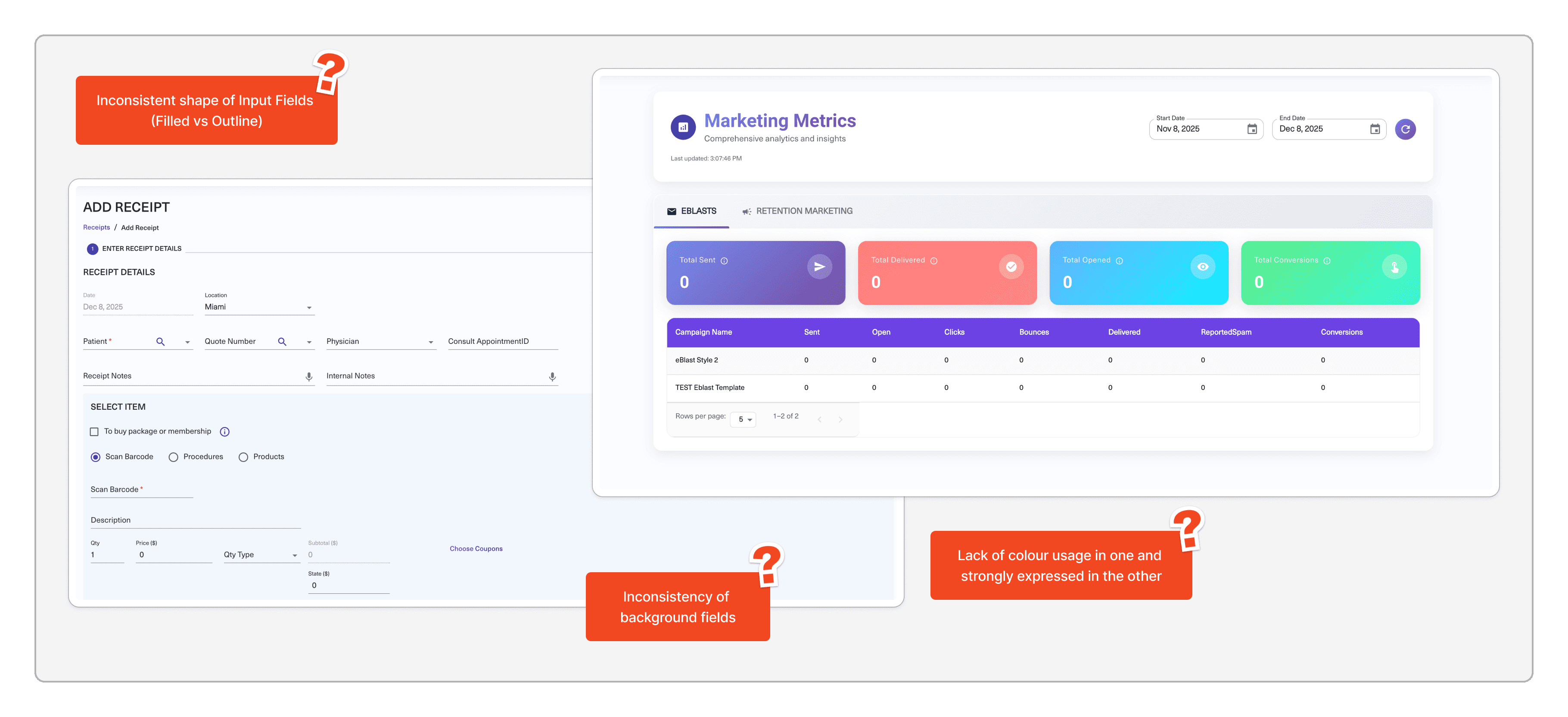
Here is an example of the inconsistency of our product releases
GOAL
1
Foundation
Act as the single source of truth that ALL teams can rely on. Simplifying hand-off and documentation.
2
Vision
Aligns the team (whether new or veteran) on how the product is shaped. Allows flexibility while ensuring overall vision stands strong.
3
Stability
Through a centralized system, there will be no need to create & maintain multiple different versions of the same component. Ideal for designers, developers, and users.
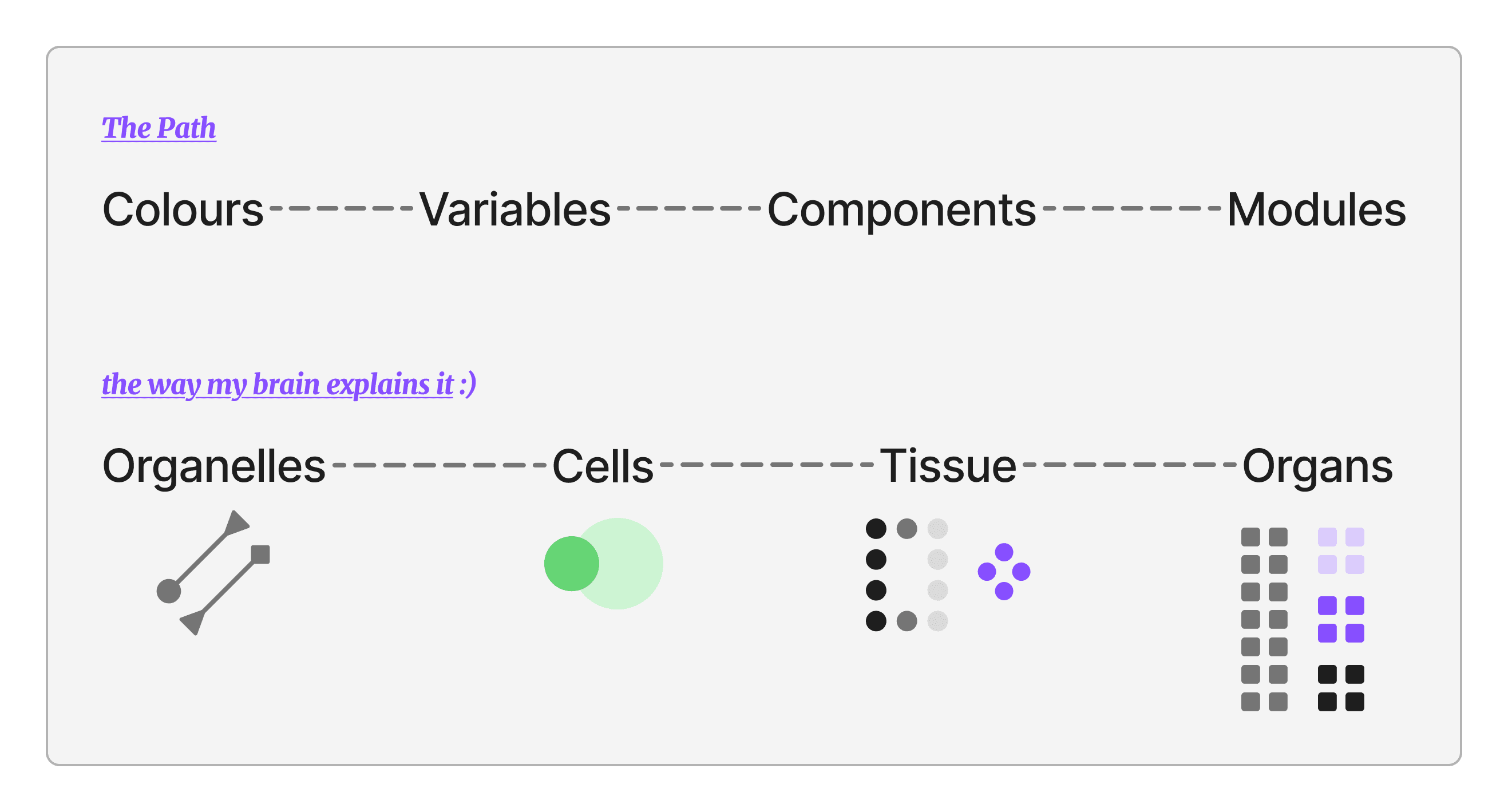
EARLY STEPS
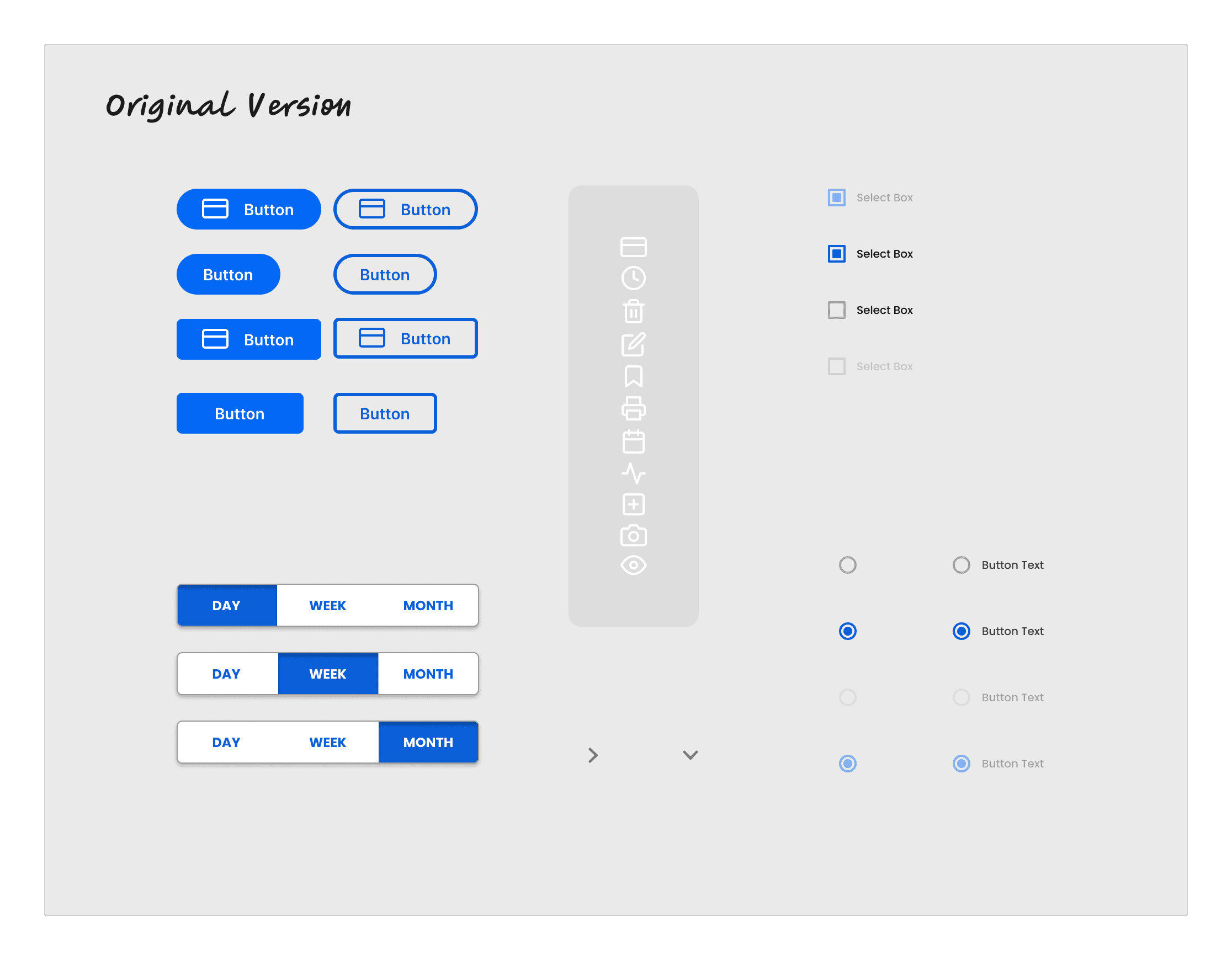
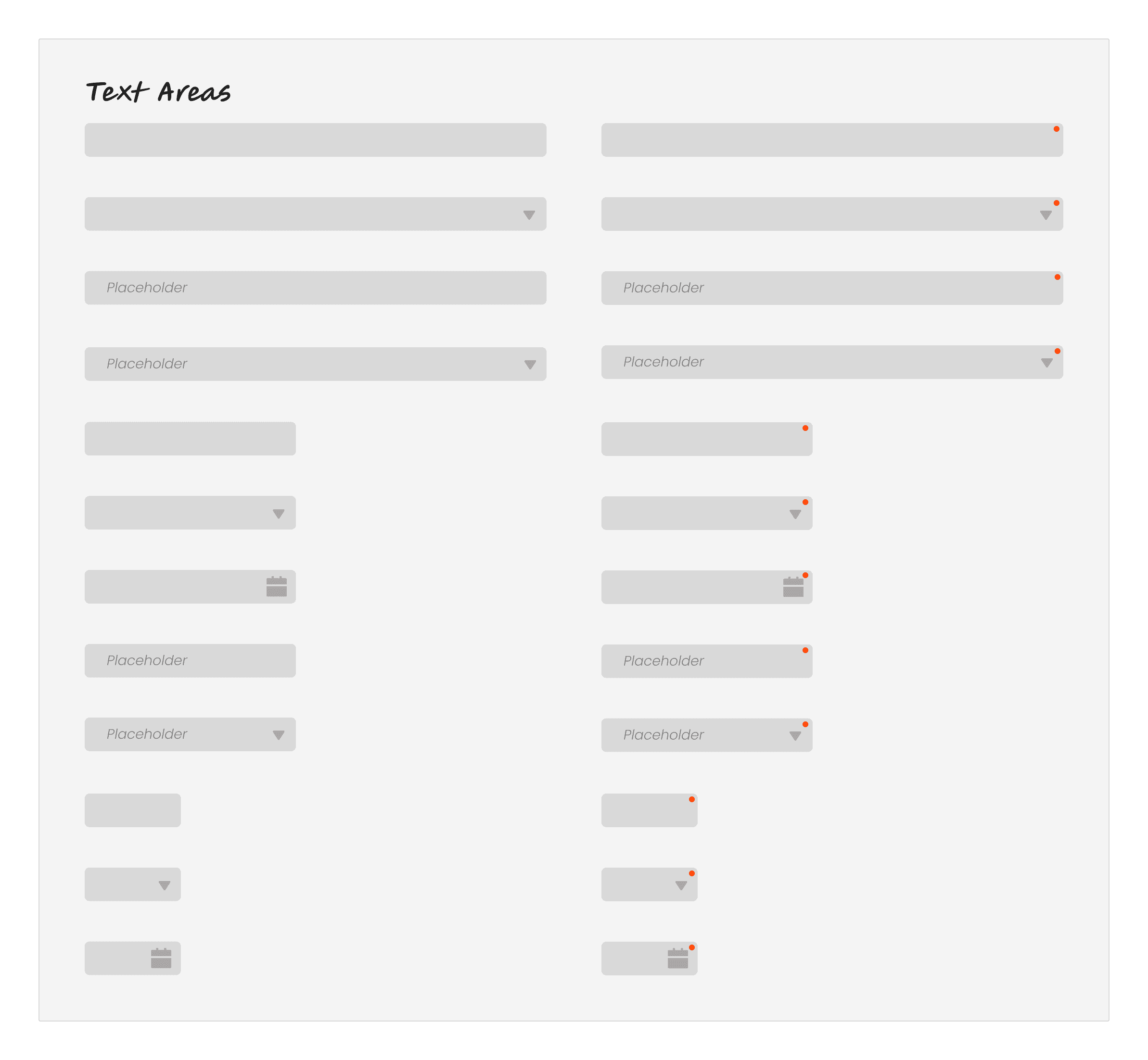
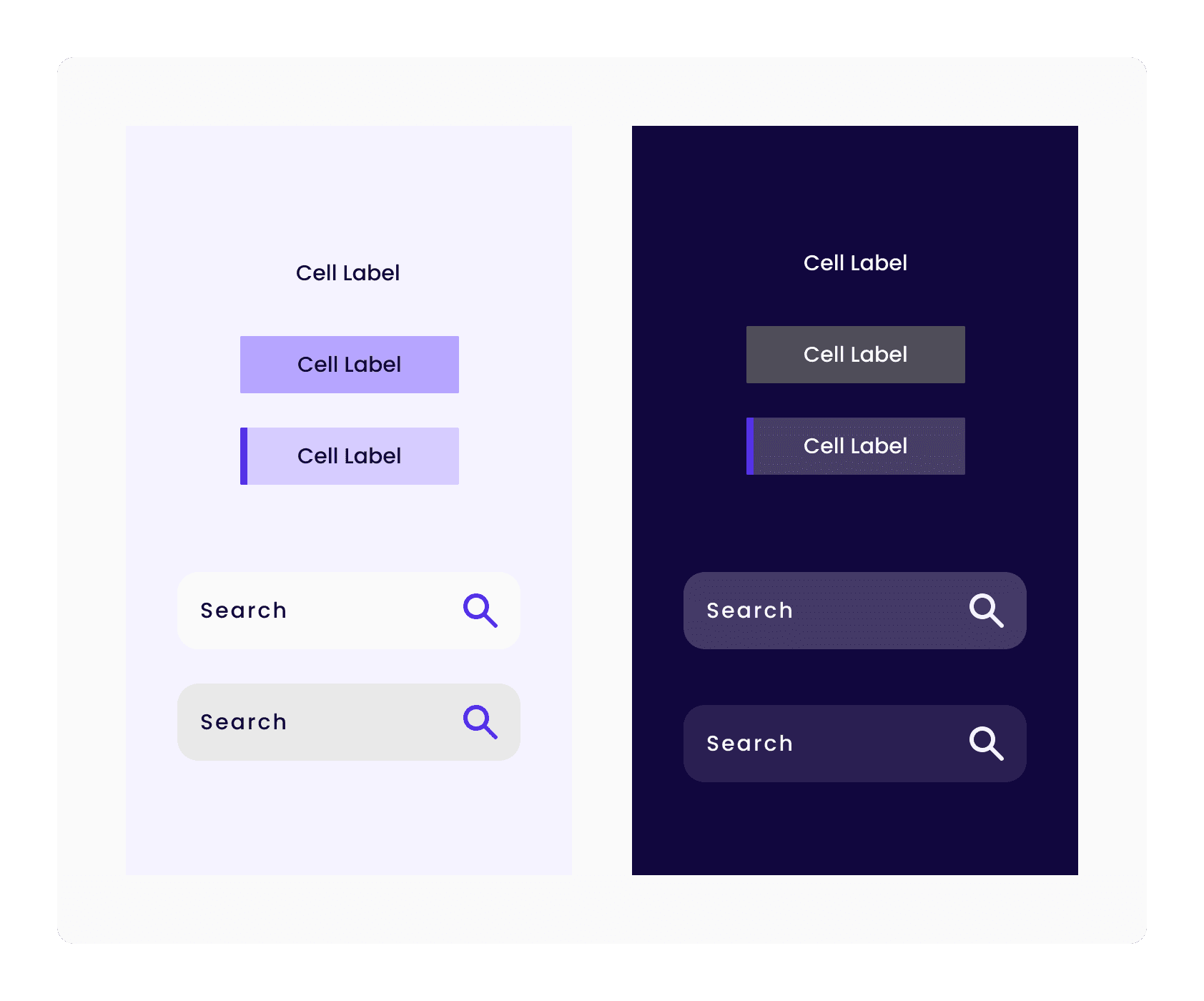
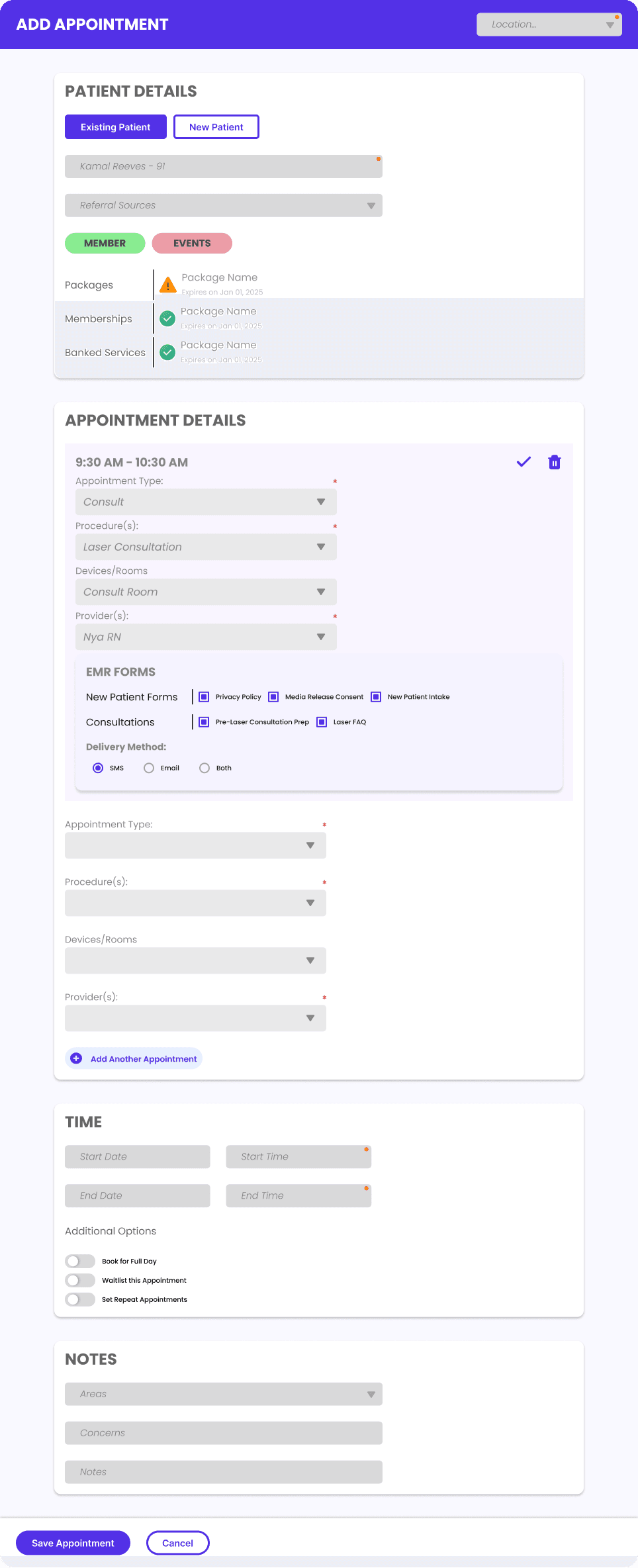
All systems require building blocks at its base. Therefore, I spent my time creating ui components that would be found in UI kits. This mainly included buttons, text fields, radio and select boxes, multi select buttons, etc.
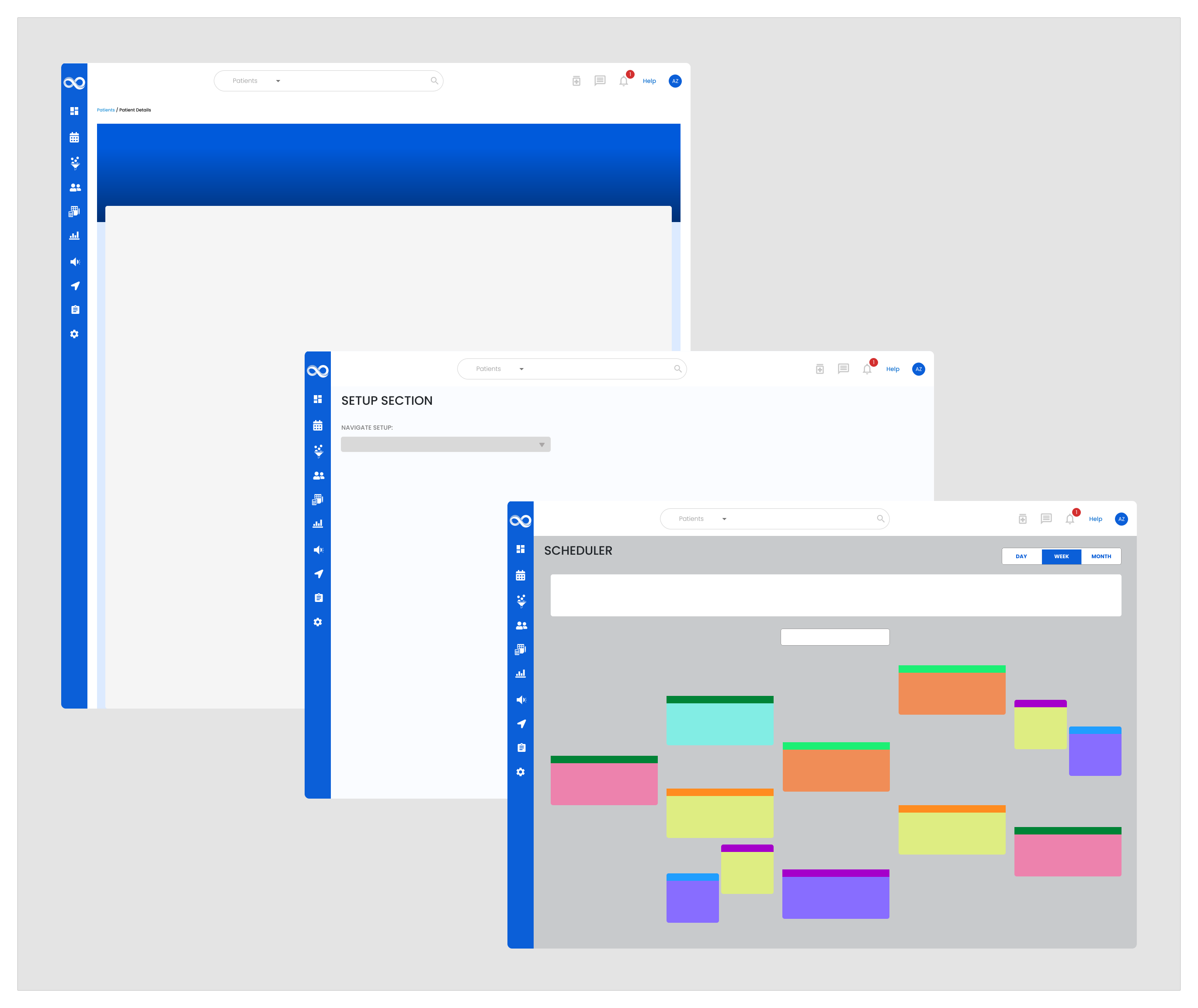
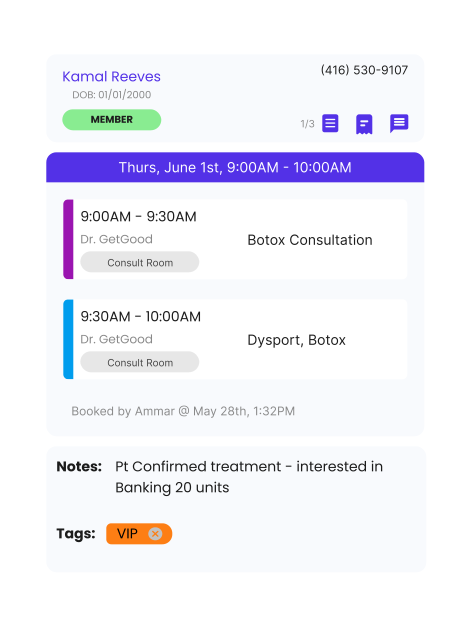
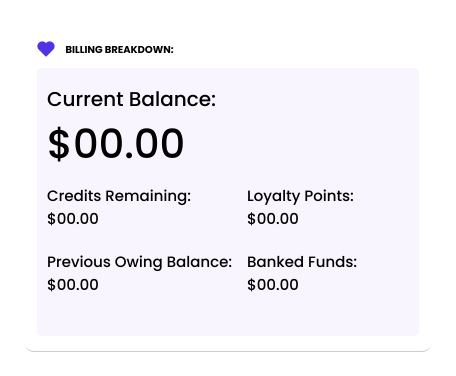
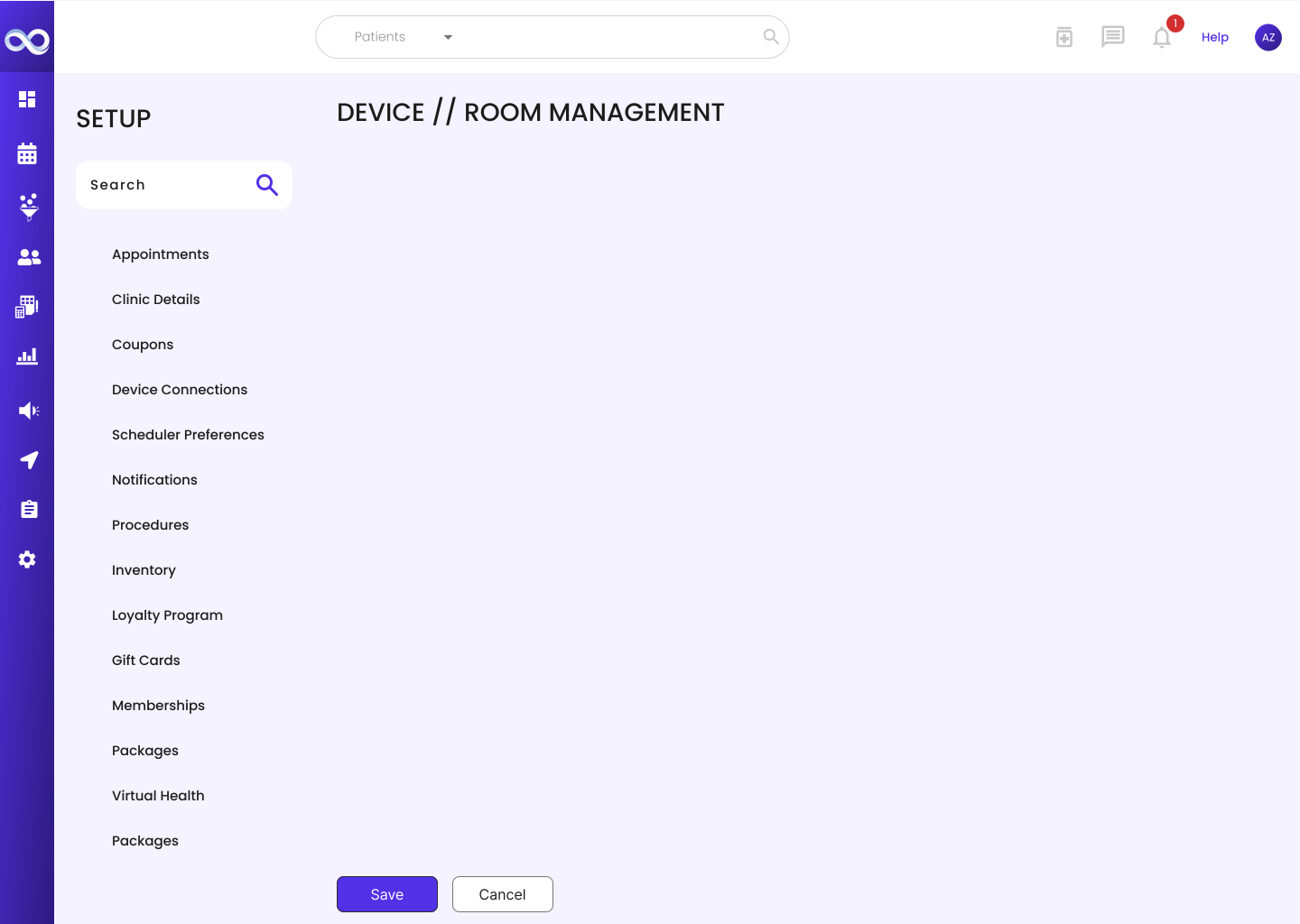
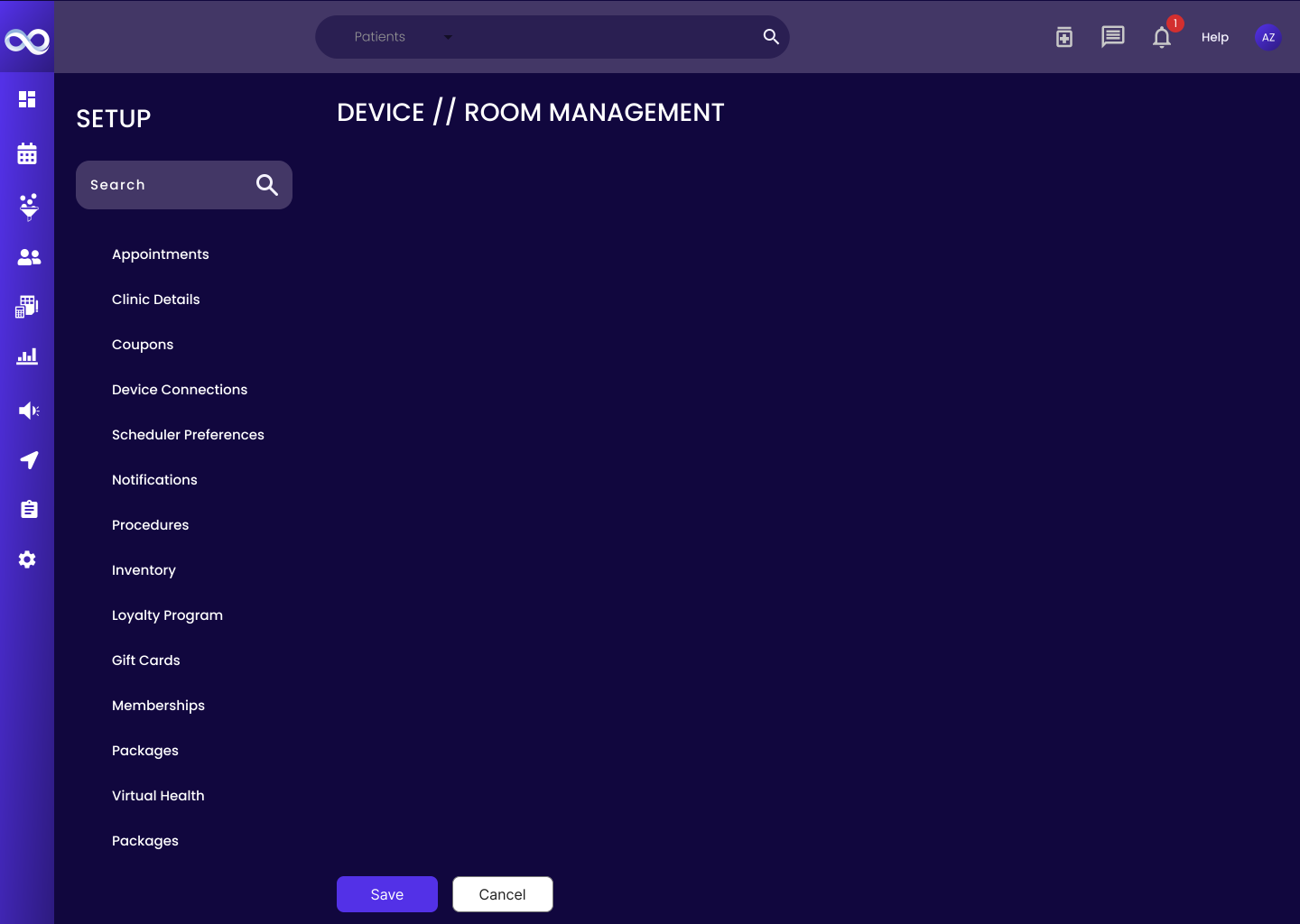
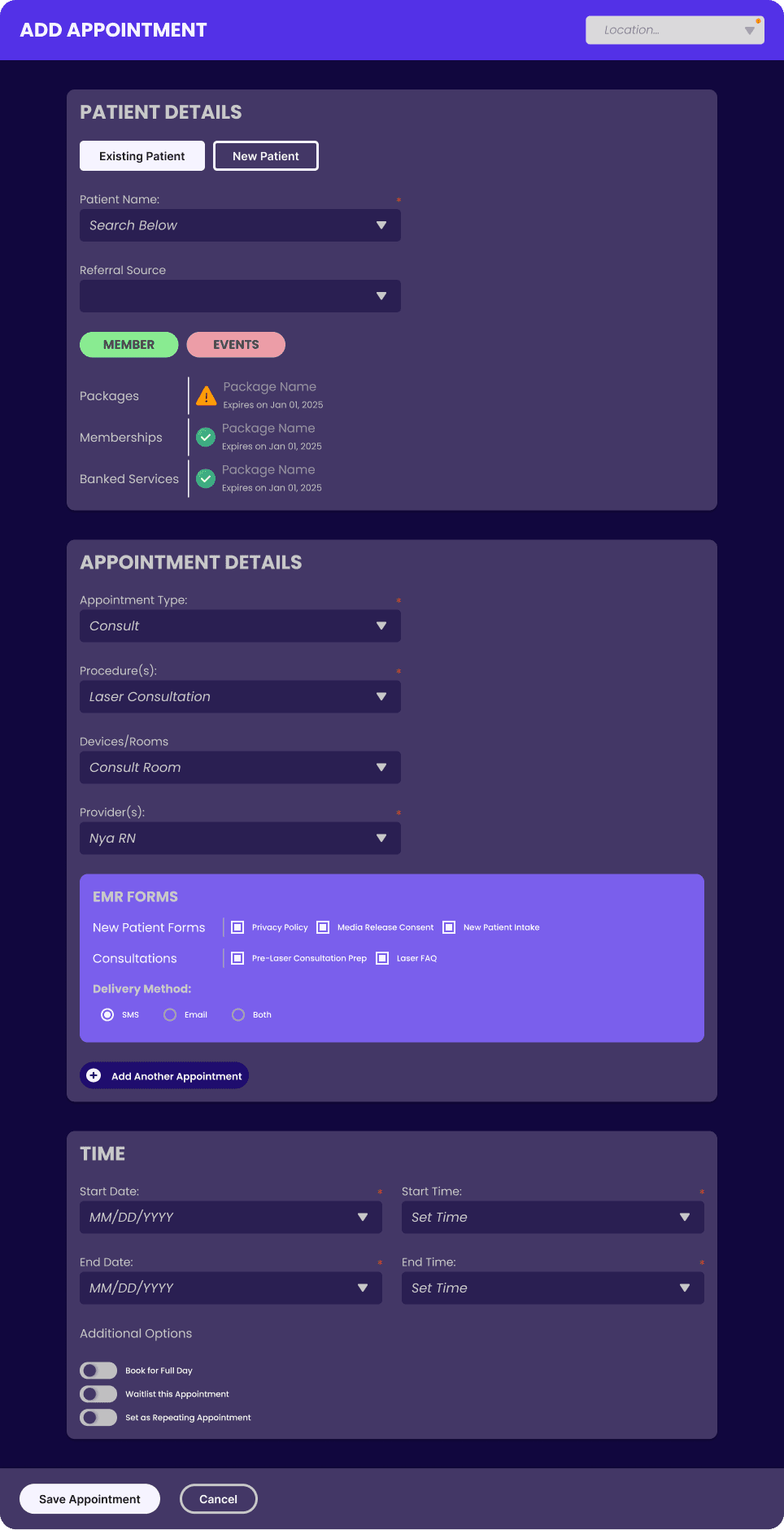
With the components laid out, I had also made frames that would emulate the framework for each major module (as seen in the third image) like the Patient Profile, Setup, and Scheduler. This reduced dev-hand off time when designing new feature releases.
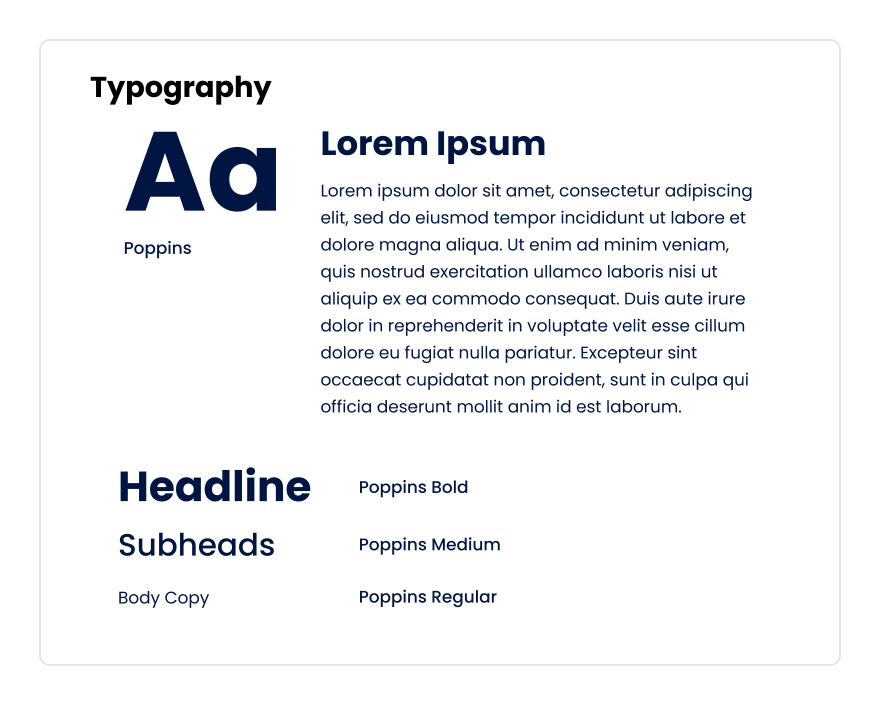
Mid way while creating this design system, my Senior Product Manager informed me that we were actually having a large change in terms of UI for the soon 4.0 version!
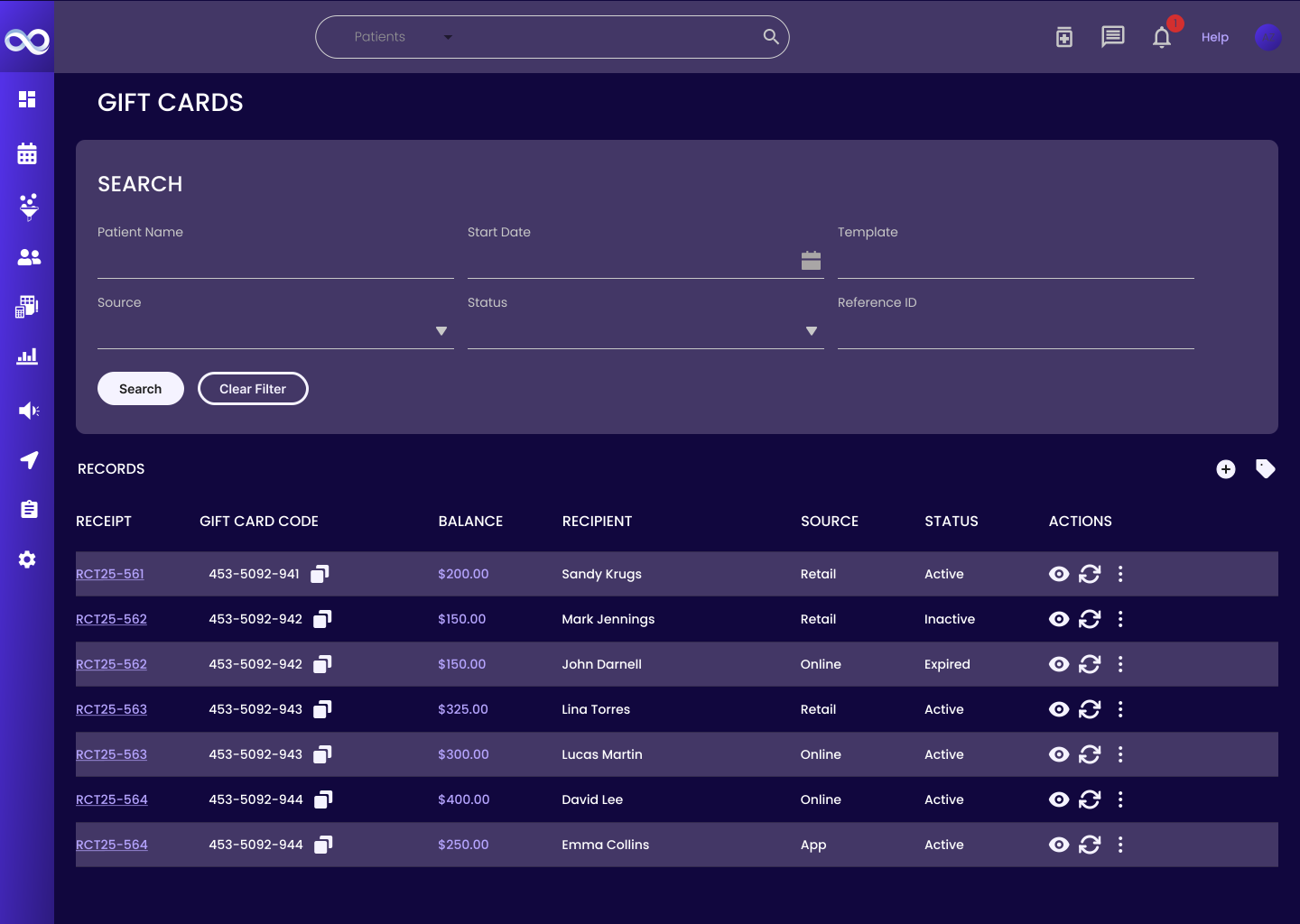
Now I had to factor in changes to UI whether it was:
Colours
Components
Modules
Thankfully this was when I learnt about Variables from Figma.
INTO THE PROGRESS
This was my first time creating a design system and with any first time endeavour, there were many revisions and moments where I had to go back to the drawing board.
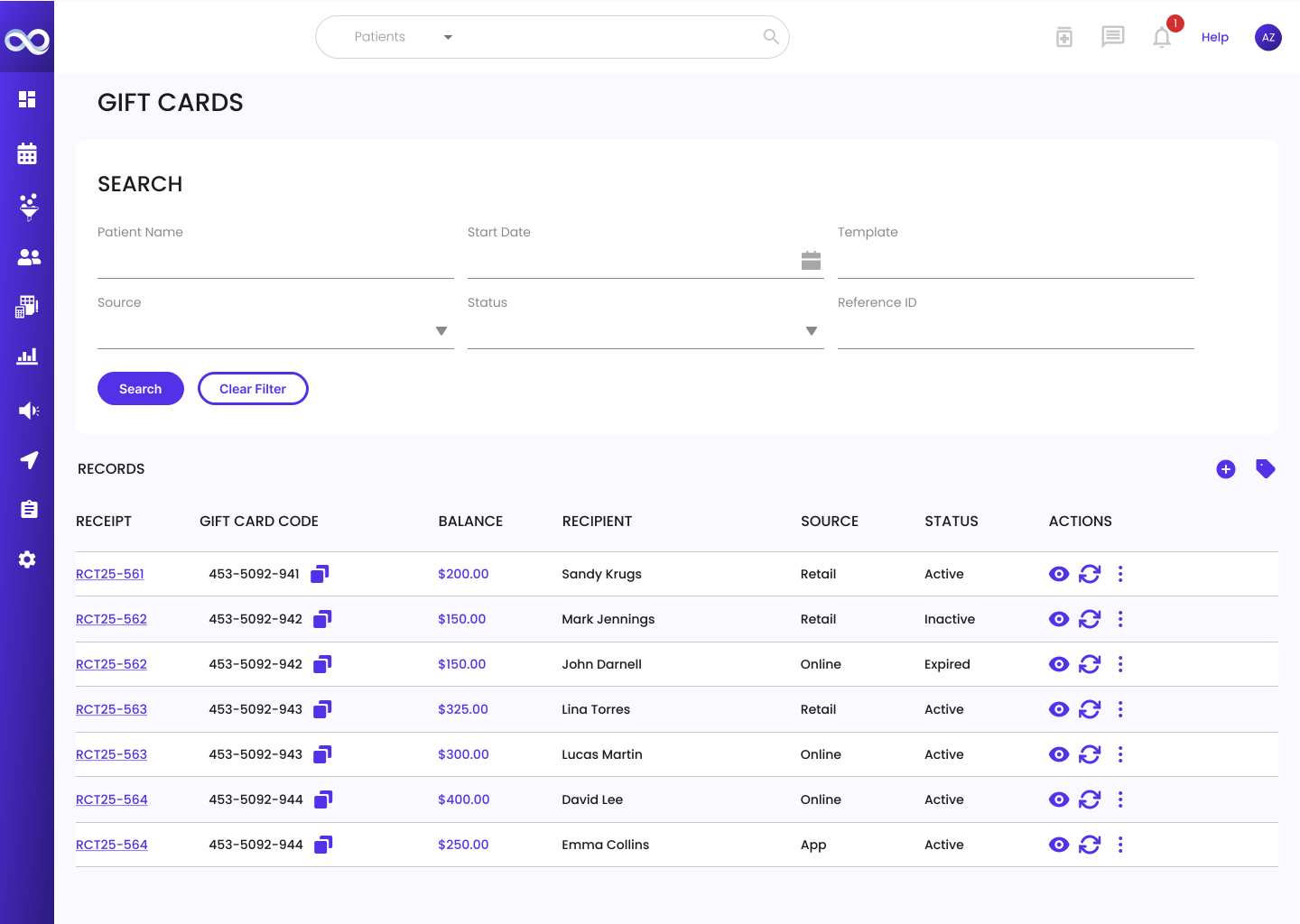
Thankfully discovering how variables work in Figma, this significantly reduced time managing mundane tasks like which shade of purple would this tooltip be as all my colours, effects, and text were simplified into tokens.
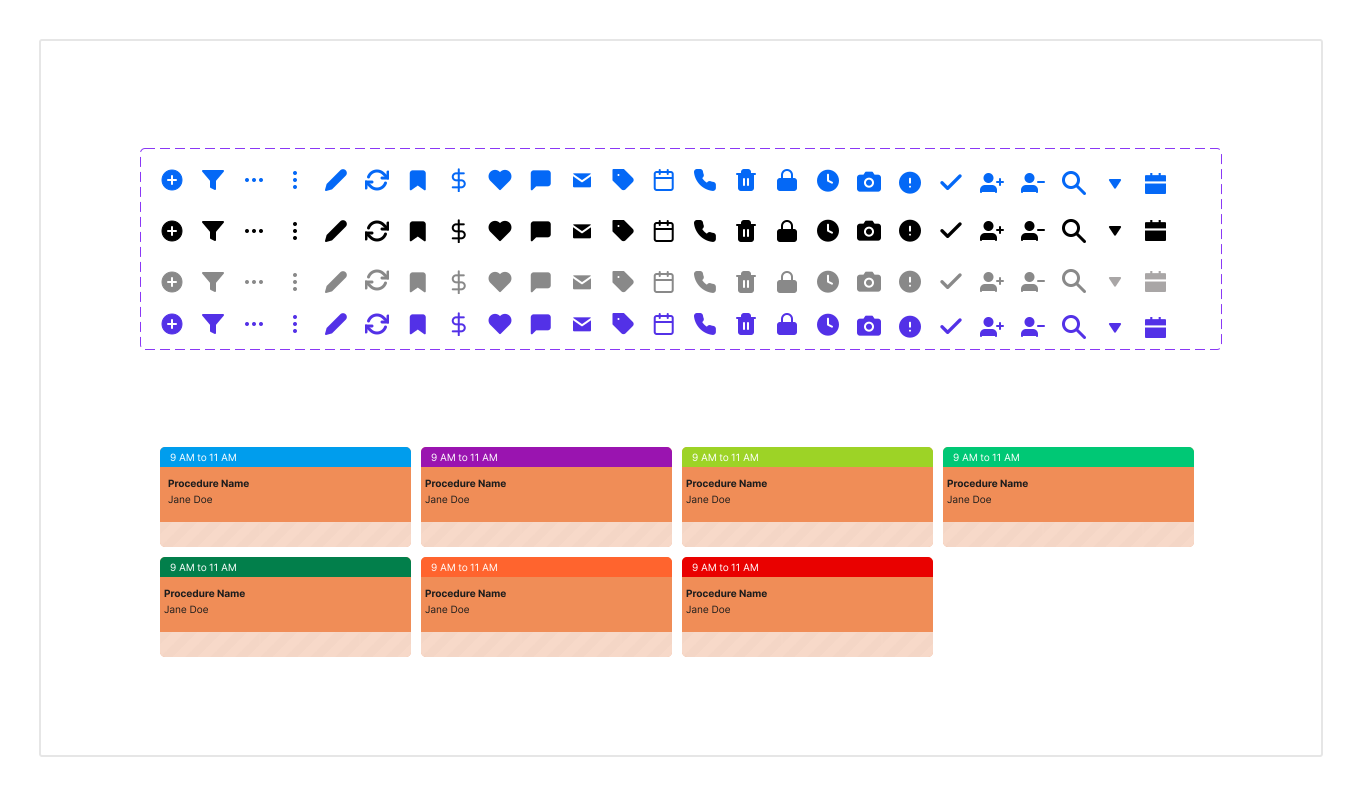
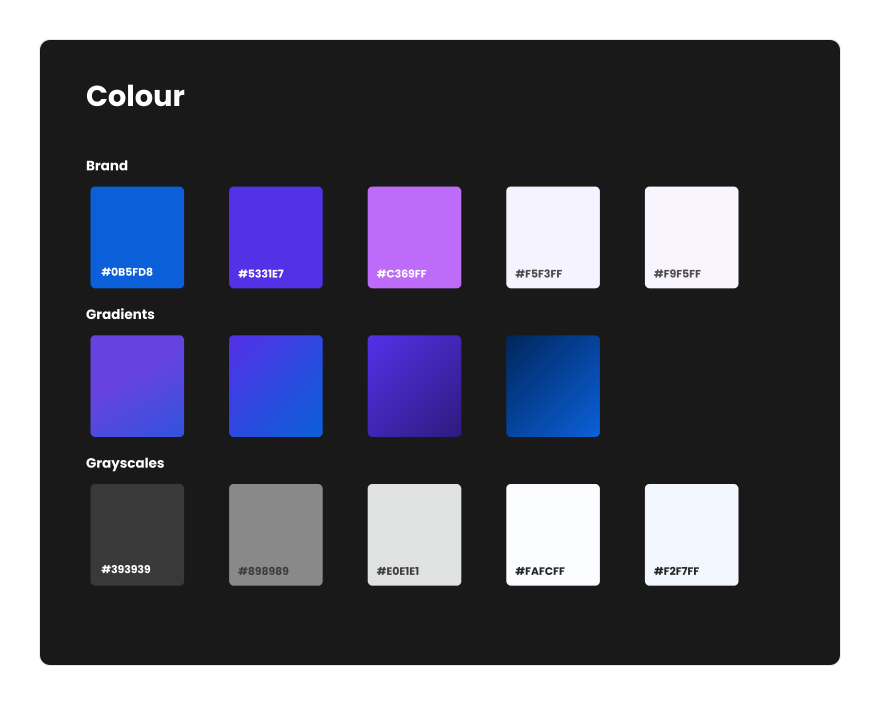
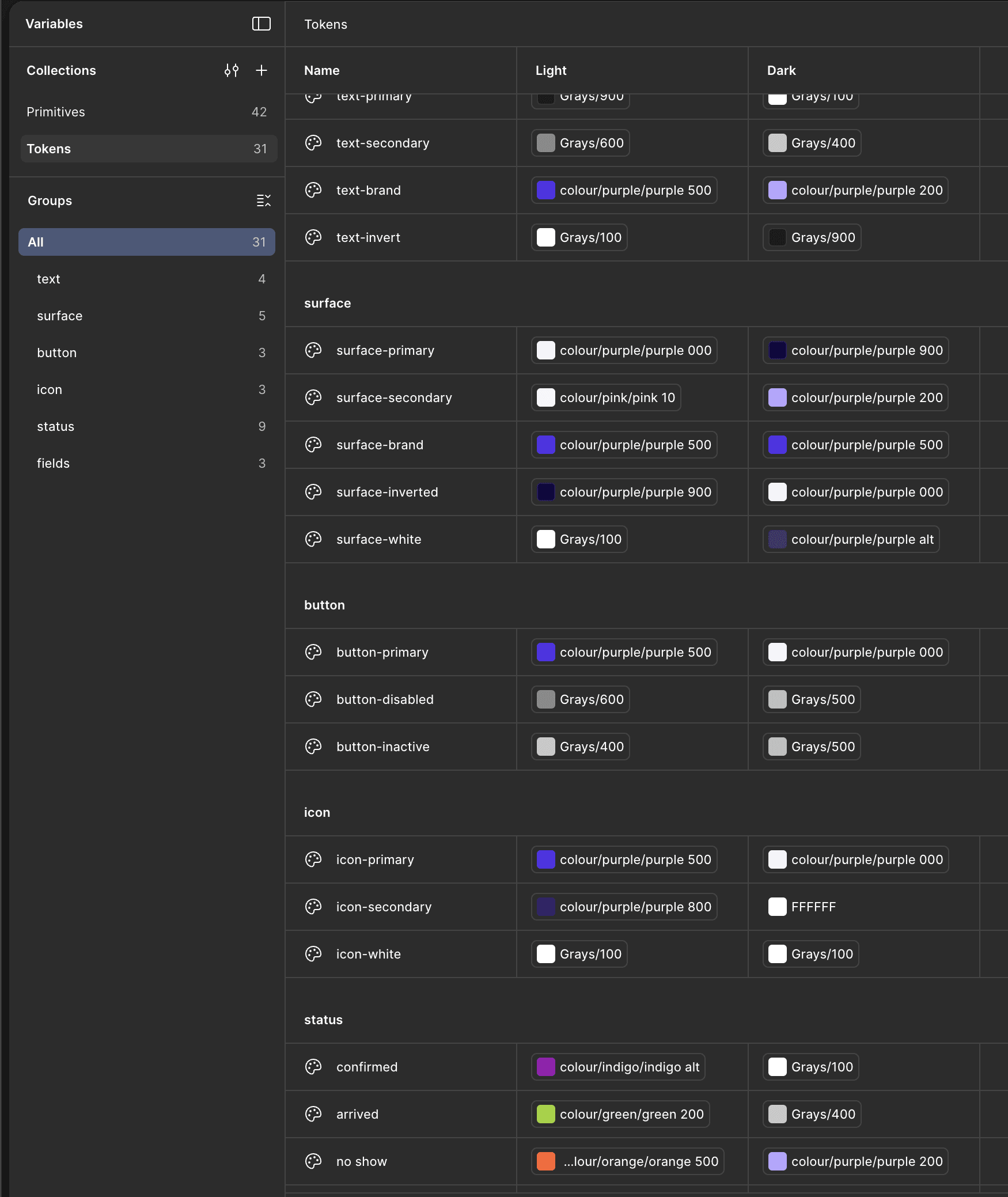
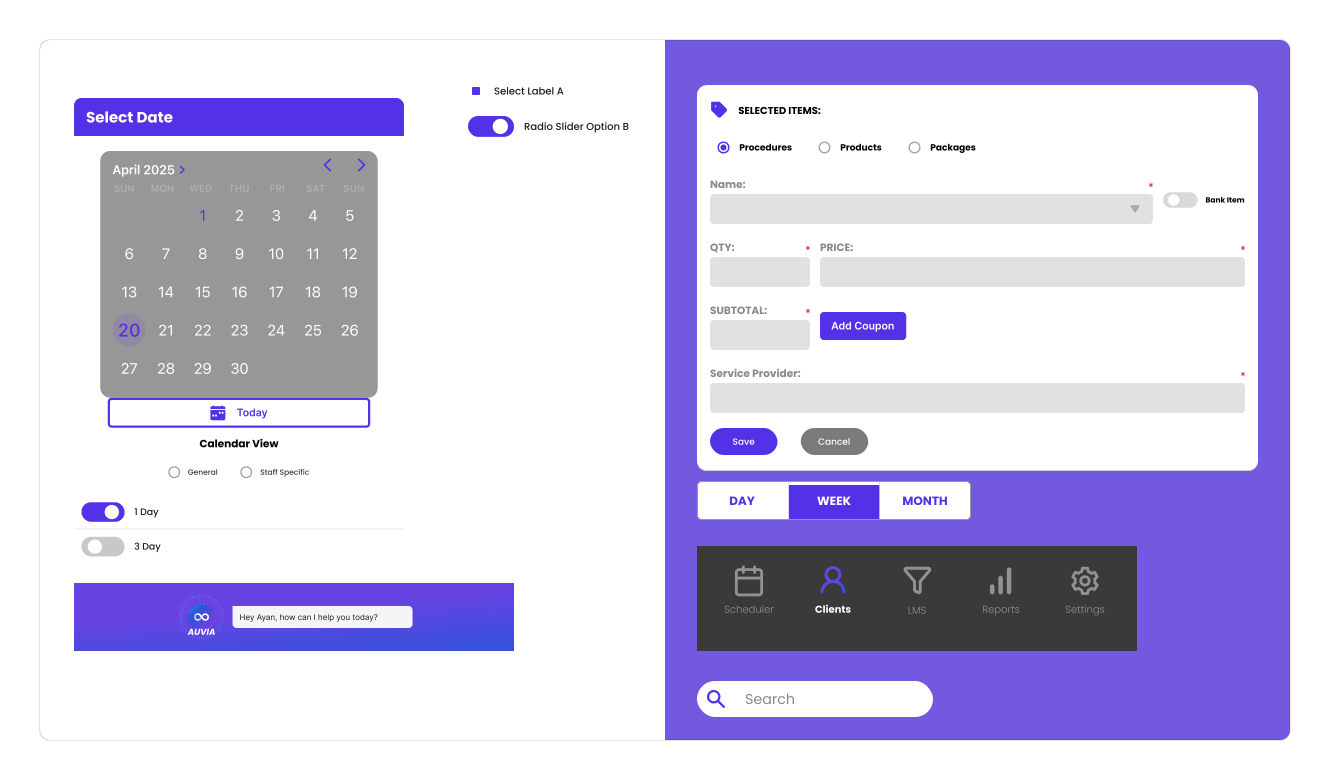
RESULTS
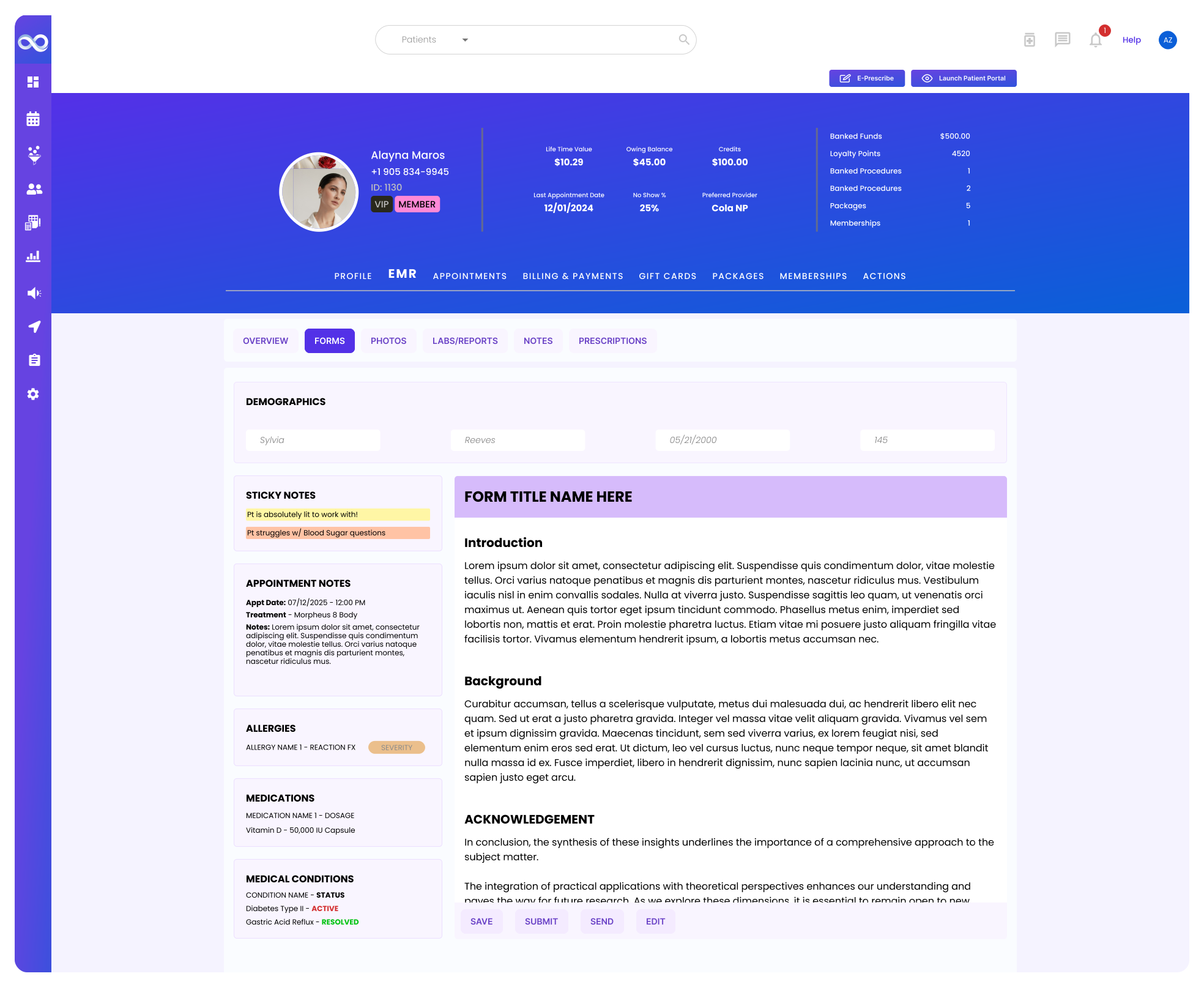
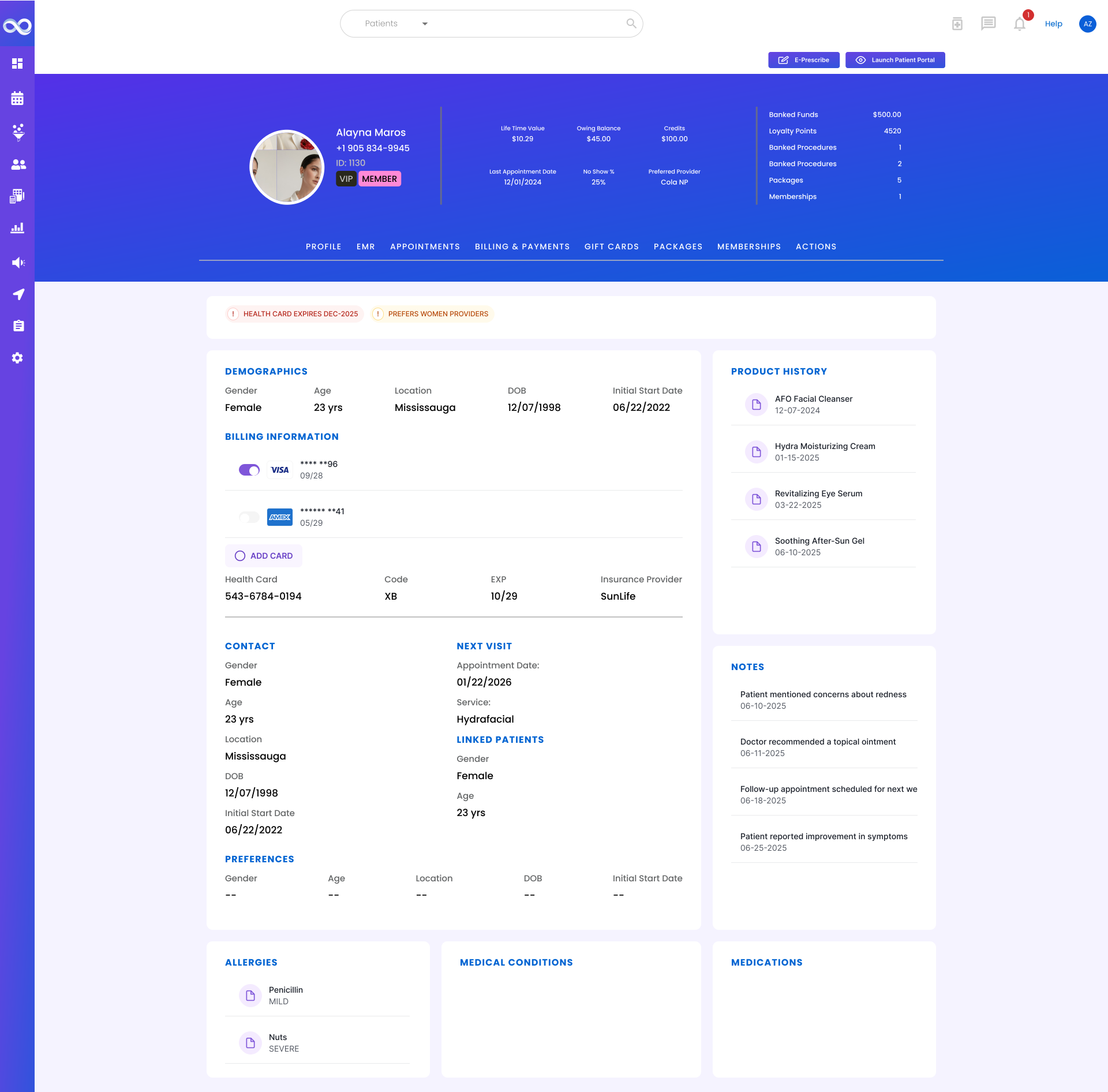
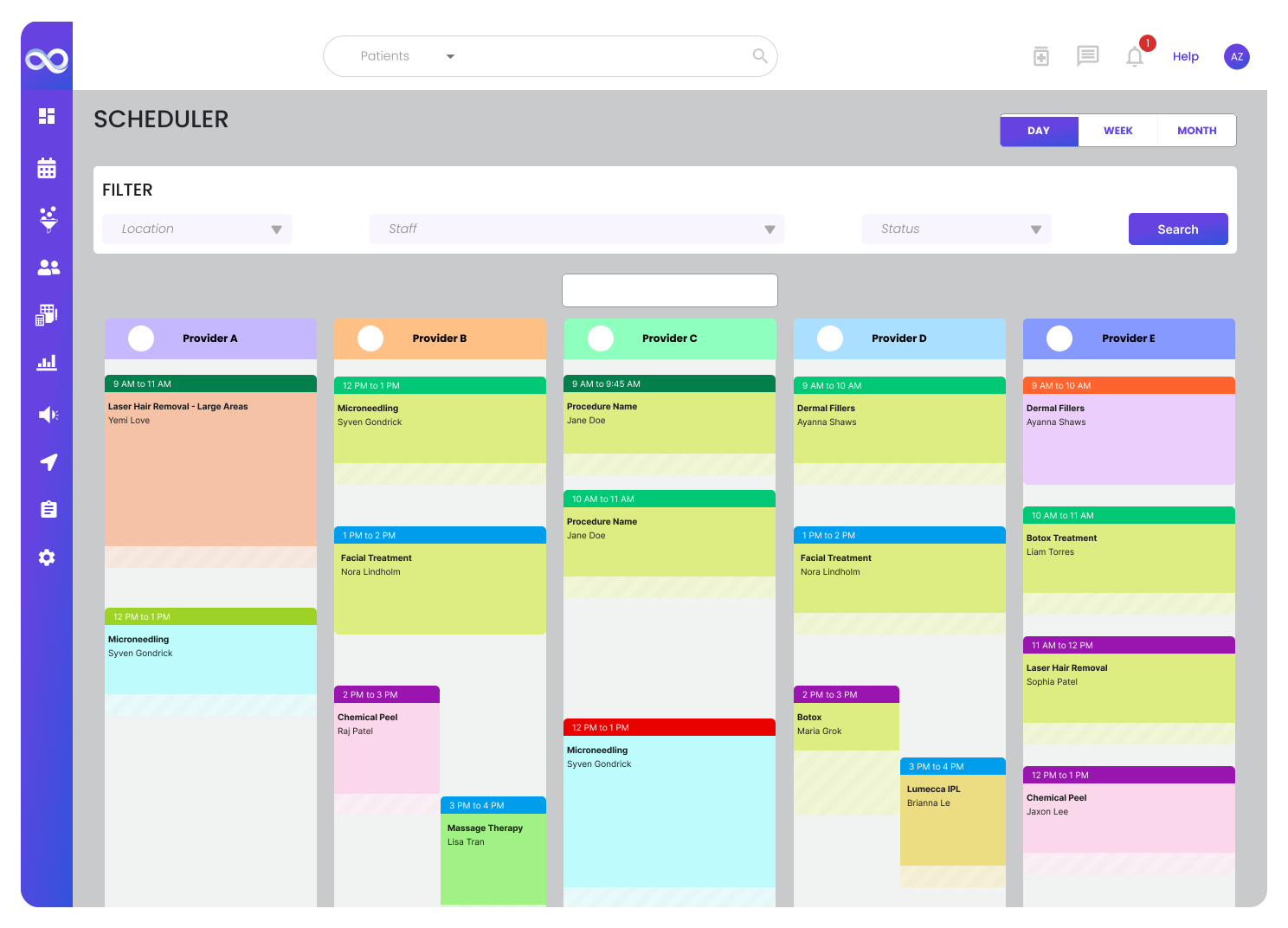
EXTRA TOUCHES :D
🚧
This is a work-in-progress so expect updates as time goes on! :D
FEEDBACK
Comments from the team:
👨🦱
Senior Full stack Developer
Your knowledge is always top notch and I can always rely on your creativity.
🧑🏻
Senior Product Manager
Thank you for creating this - it has not only significantly improved the consistency for the tech team but also made my life much easier. You are the goat 🐐.
🧑🏽
Data QA Engineer
"Ammar, what would i do without you?". With a design system in place it's also gonna be more pleasing to perform my test cases.
👩🏾
Front End Developer
I wish you were involved with the team from the beginning, we would've had a significantly stronger product with your expertise and amazing communication skills. You're gonna do great out there!